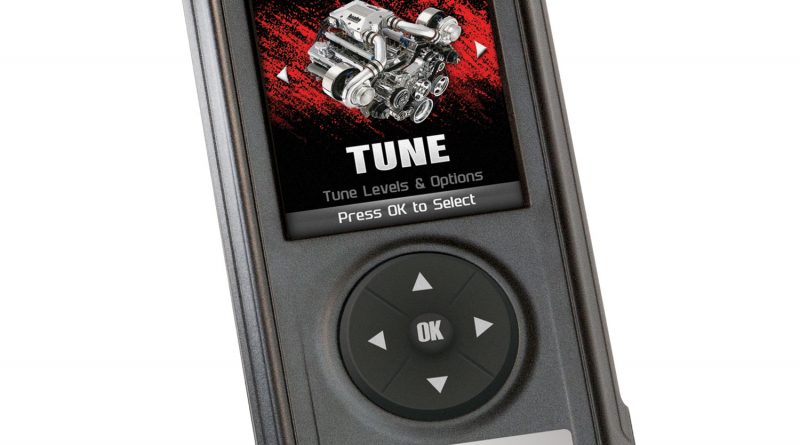
97278 AutoMind Programmer – Section 16 – Data Logging Retrieval
Section 16: Data Logging Retrieval To learn more about how Data Logging results can be extracted from the device, please follow these instructions: Step 1 Remove the

The Leader in Diesel Performance
Section 16: Data Logging Retrieval To learn more about how Data Logging results can be extracted from the device, please follow these instructions: Step 1 Remove the
Section 15: Data Logging Data logging allows you to record specific vehicle information while driving. Follow these instructions to find out how to datalog, and how it
Section 14: Viewing Gauges If you would like to view Parameter IDs (PIDs) specific to your vehicle, follow these instructions to learn how to view them using
Section 13: Clear Diagnostic Trouble Codes This feature allows you to clear the DTC and turn off the check engine light. If a DTC persists, this could
Section 12: Read Diagnostic Trouble Codes (DTC) This feature allows you to troubleshoot issues that your vehicle may be experiencing. Most vehicles will illuminate the in-dash check
Section 11: Common Tuning Questions Can my AutoMind program more than one vehicle at a time? No, the programmer will only work on a single vehicle until
Section 10: Returning Your Vehicle to Stock Before taking your vehicle into a service center, return your vehicle to stock. The service center might reprogram your vehicle
Section 9: Advanced Tuning Options Explained Availability of specific options vary based on your vehicle’s make and model: Speed Limiter – Adjusts the top speed limiter by
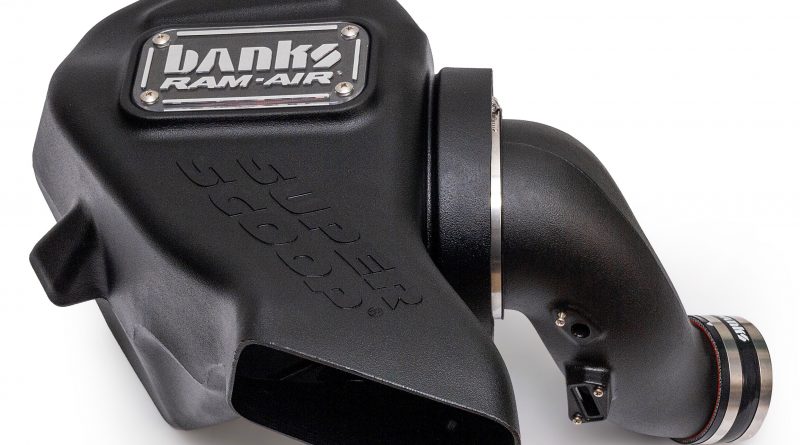
Installation instructions for Banks Ram-Air Cold Air Intake System for 2019-2024 Ram 2500/3500 6.7L Cummins
Section 7: Tuning Levels Explained Availability of specific tunes may vary based on your vehicle’s make and model. GM Diesel Truck Super Sport Super Sport is designed