
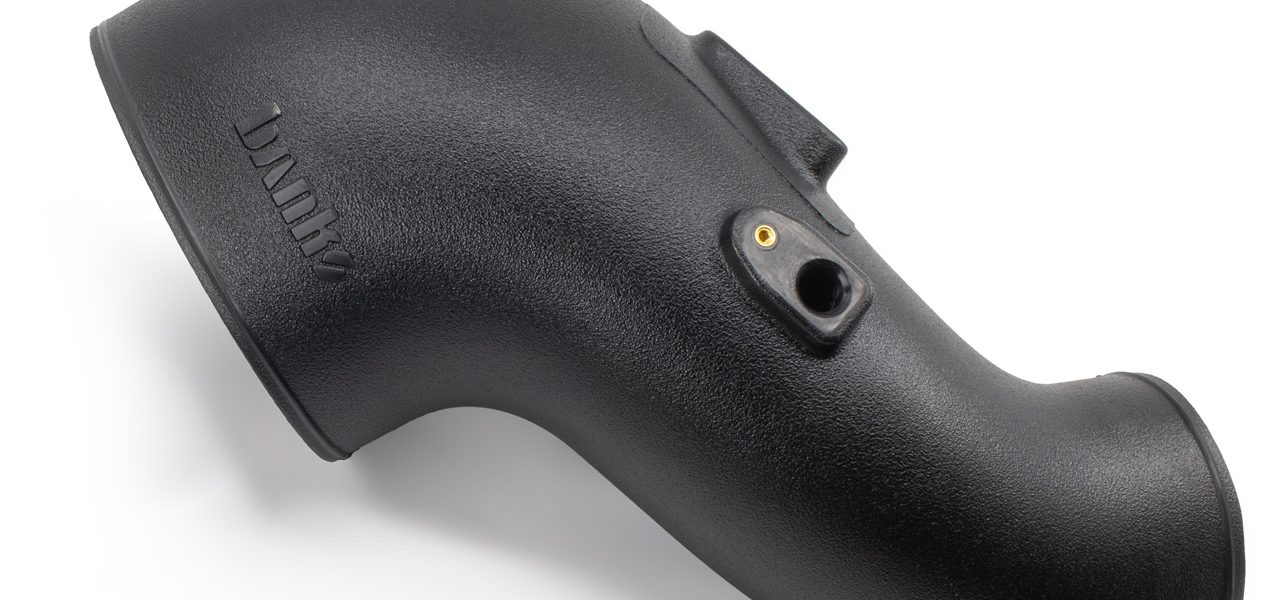
97775 Ram-Air Intake Tube Upgrade Kit for 2019-2024 RAM 2500/3500 6.7L Diesel
INSTALL INSTRUCTIONS
Part #s
42316 (Upgrade Kit For 42279)
Banks Ram-Air® Intake System
2019-2024 RAM 2500/3500 6.7L Diesel
With existing Banks Ram-Air intake Installed
Please read through the following instructions thoroughly before starting your installation. If you have any questions please visit our Support Page.
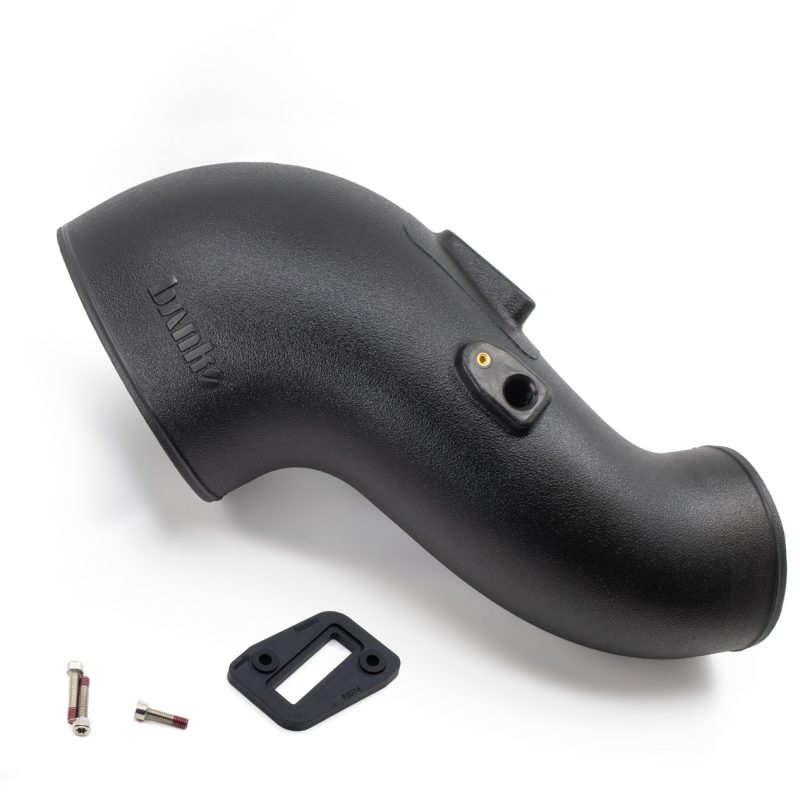
Section 1: General Assembly
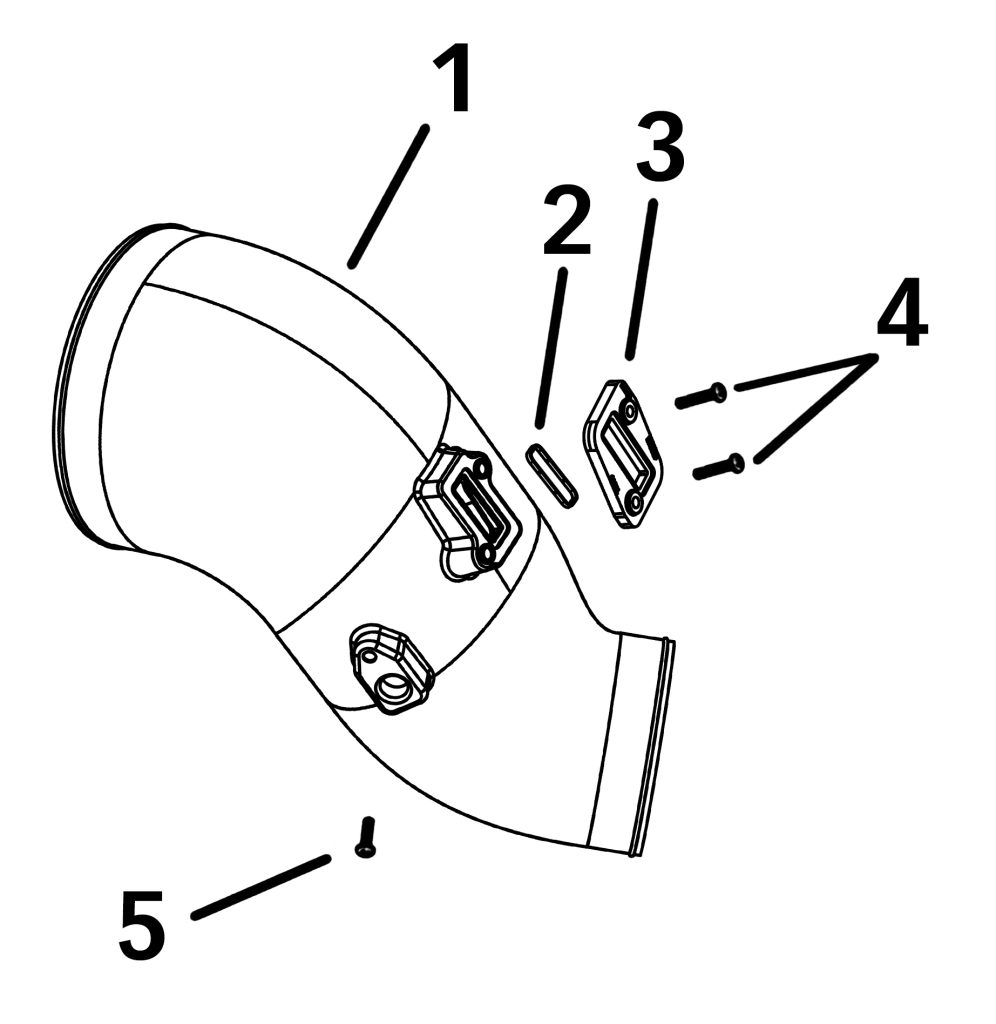
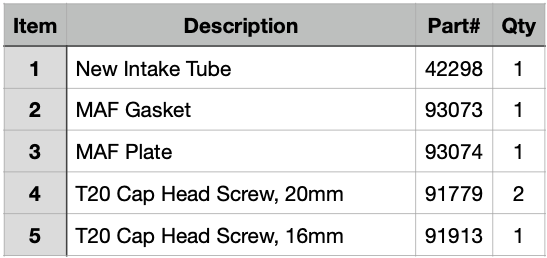
Bill of Materials
Tools Required:
8mm Socket
Ratchet Extension
Philips Screw Driver
T20 Torx Screwdriver
Section 2: Old Ram-Air Intake Tube Removal
Use caution when working in the engine compartment. Make sure the engine has been OFF for several hours and cool. Some components from the stock air intake system will remain in service.
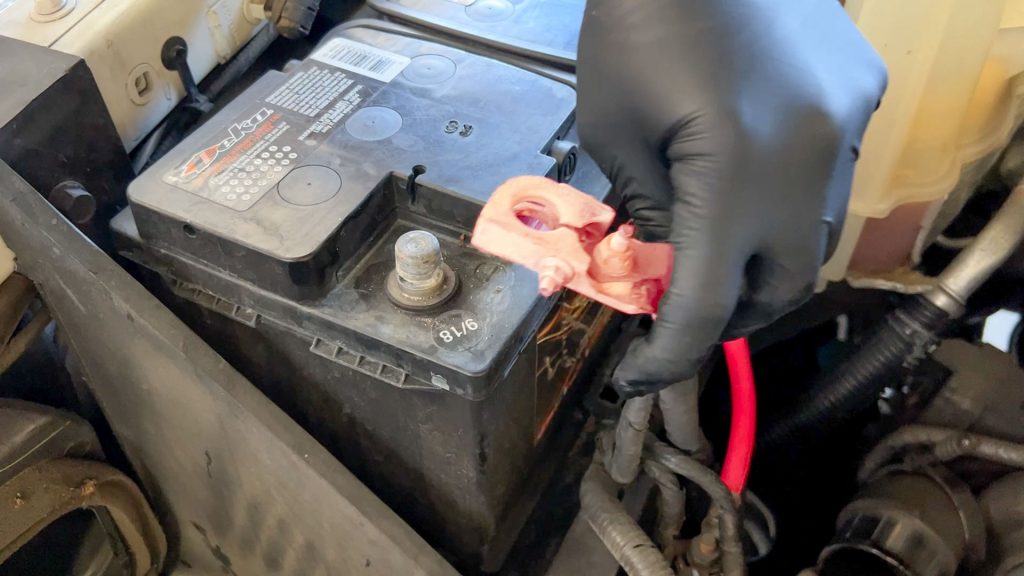
1. Disconnect negative battery cables. (both batteries)
NOTE: Wait for 15 minutes before proceeding to allow the ECM to fully discharge.
Disconnecting sensors before the ECM is fully powered down can result in Check Engine Codes or starting in “Limp Mode” after install is complete.
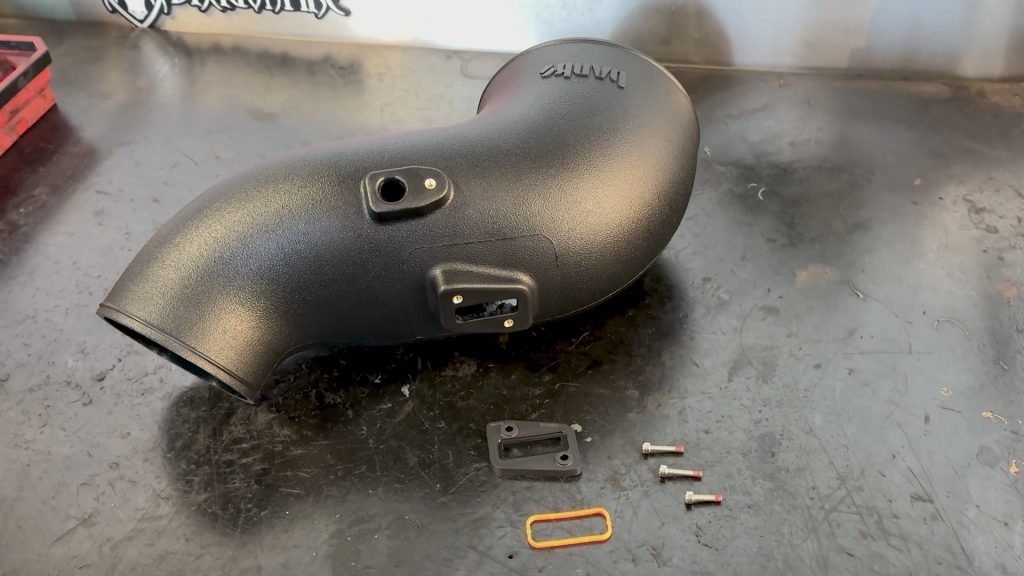
2. Lay out the new parts.
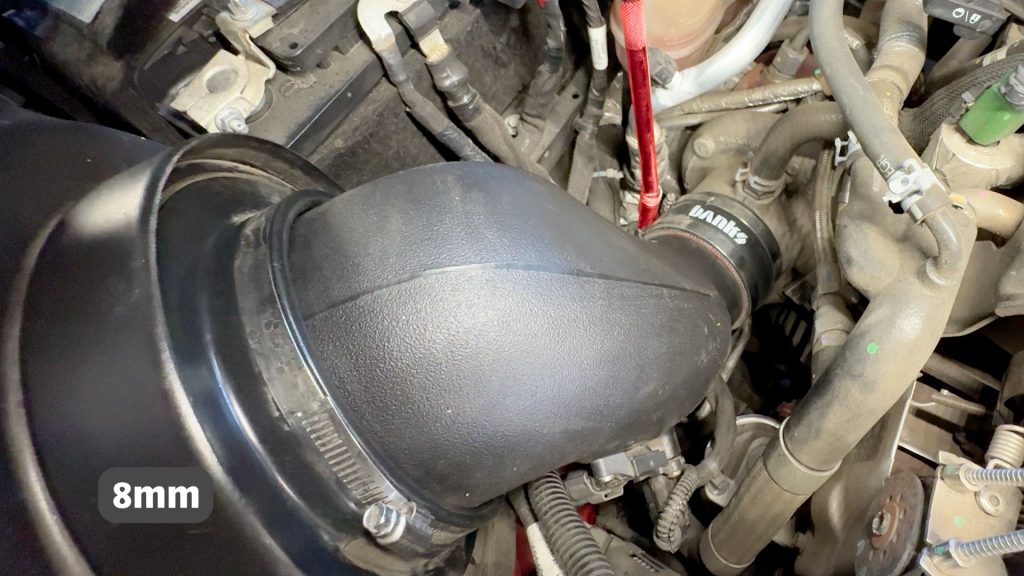
3. With an 8mm socket and extension, loosen the hose clamp by the turbo inlet thats holds the intake tube.
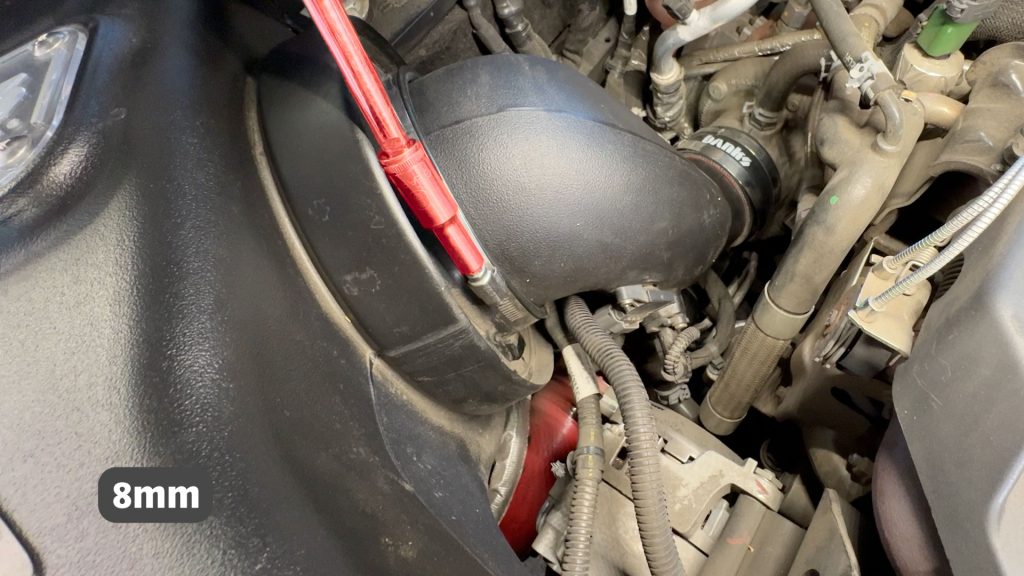
4. With an 8mm socket, loosen the hose clamp that holds the tube onto the filter.
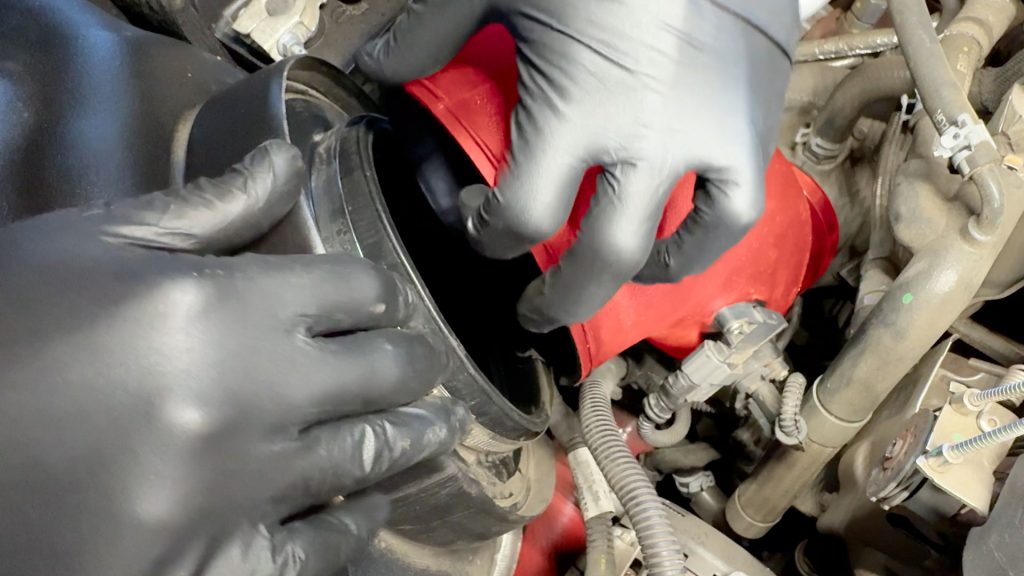
5. Separate the tube from the filter and turbo inlet.
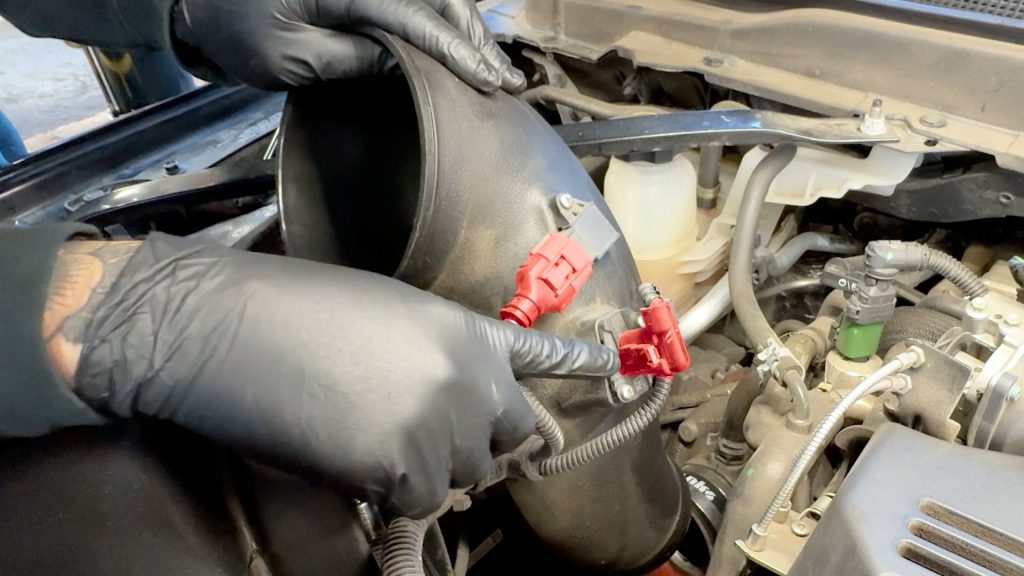
6. Unplug the MAP and MAF sensor, then bring the old tube to a workbench.
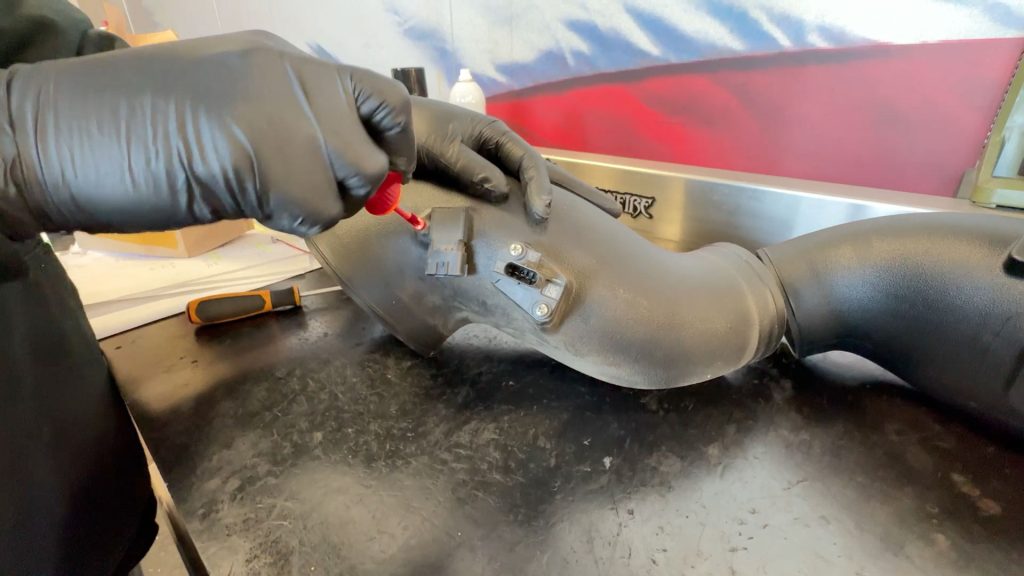
7. With a screwdriver, remove the MAP sensor. This screw will not be reused.
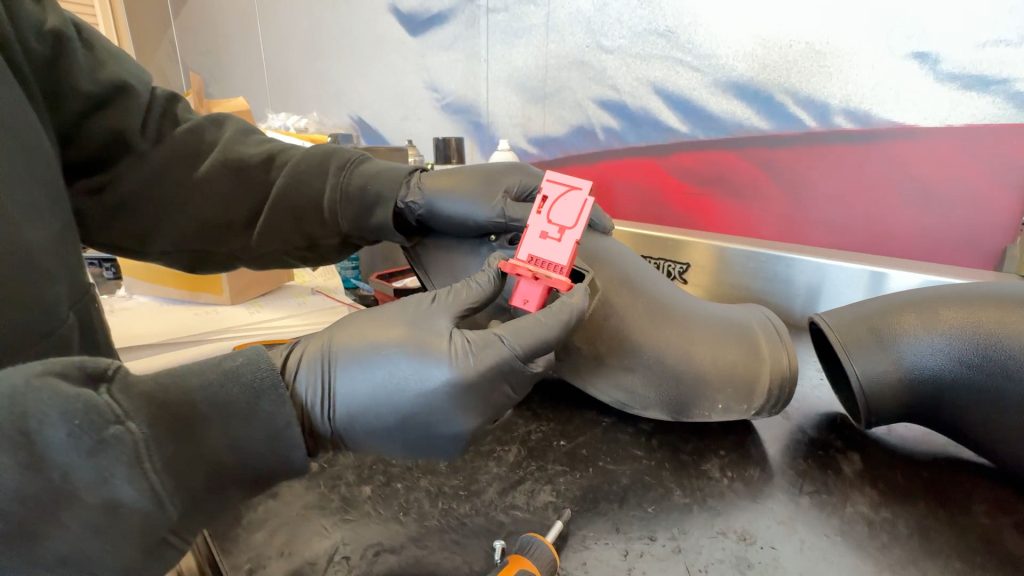
8. With a screwdriver, remove the MAF sensor. These screws will not be reused.
Section 3: Updated Ram-Air Intake Tube Install
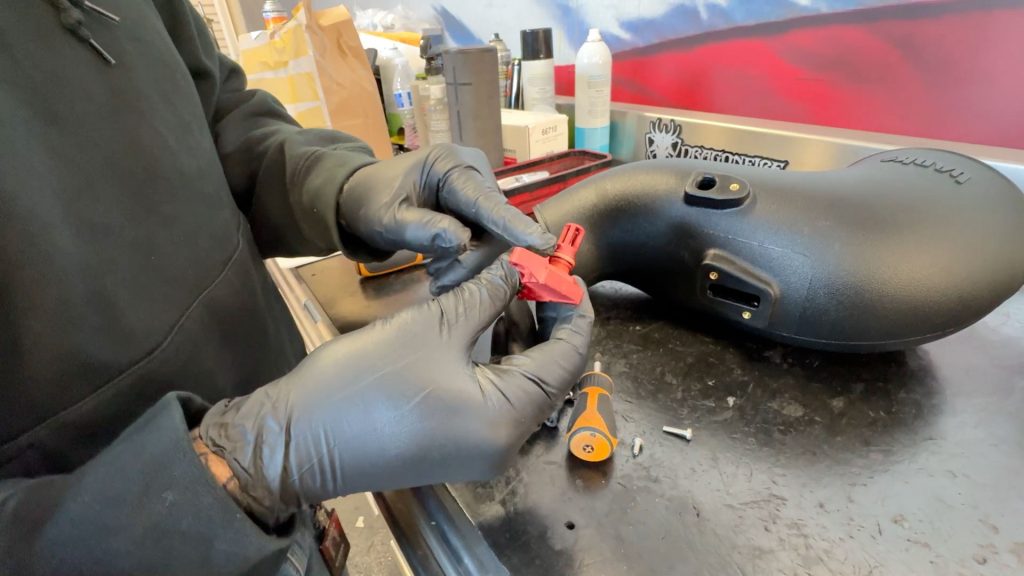
9. Clean the MAP sensor if it looks dirty. Use Mass Air Flow cleaner if needed.
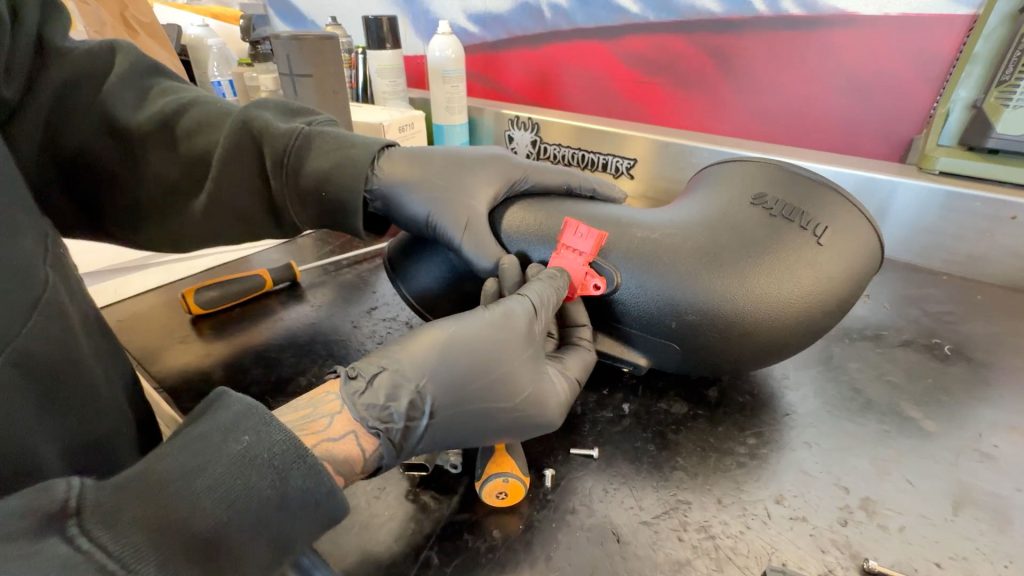
10. Install the MAP sensor into the new Banks tube.
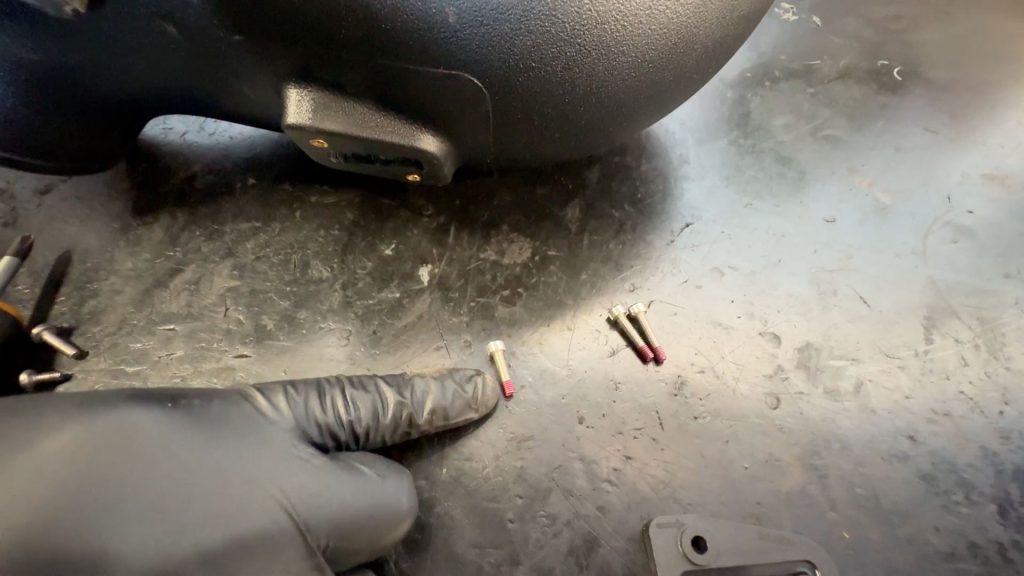
11. Use the shorter T20 Torx screw.
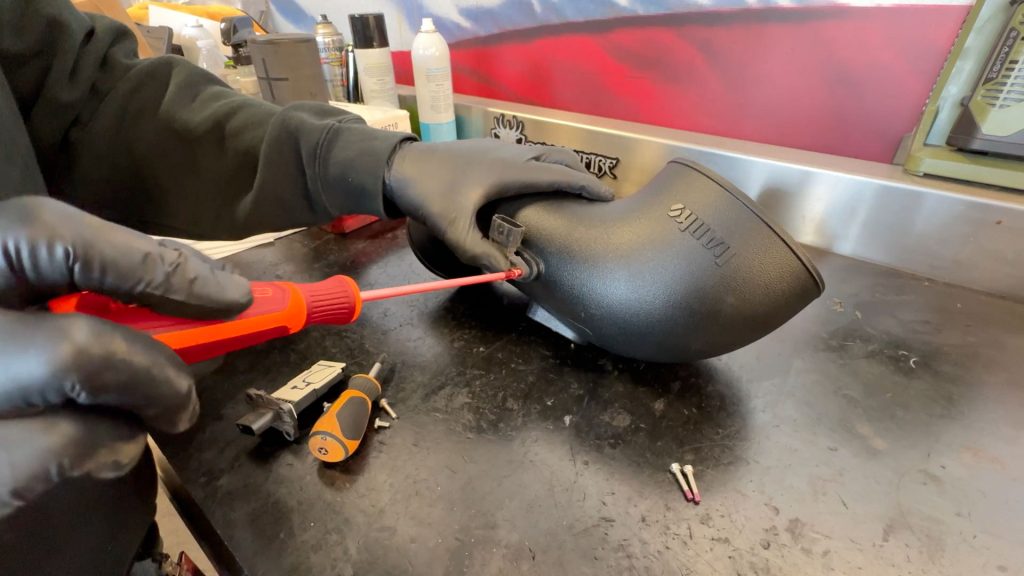
12. Secure the MAP sensor with the new T20 Torx screw.
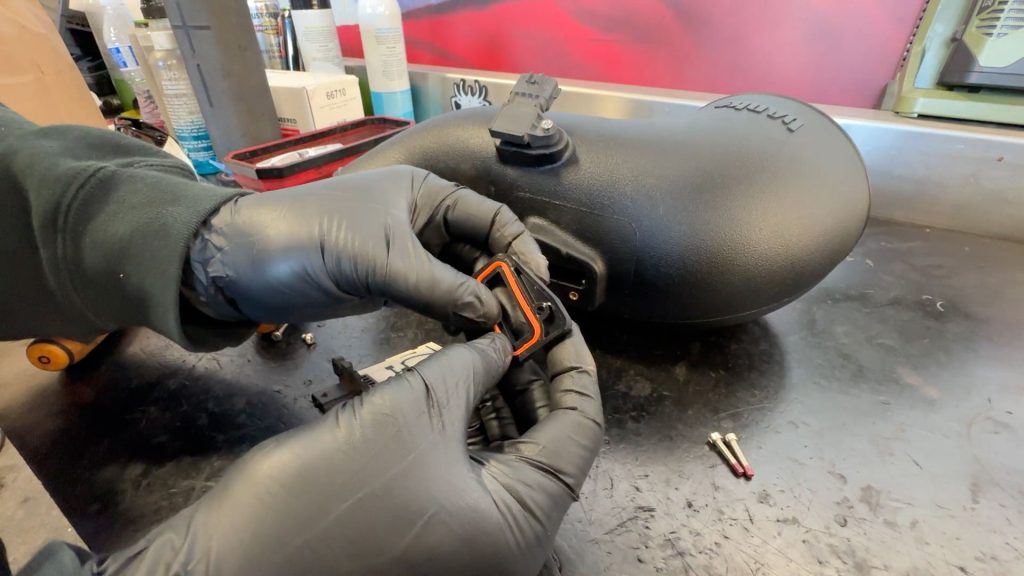
13. Put the gasket into the MAF spacer plate.
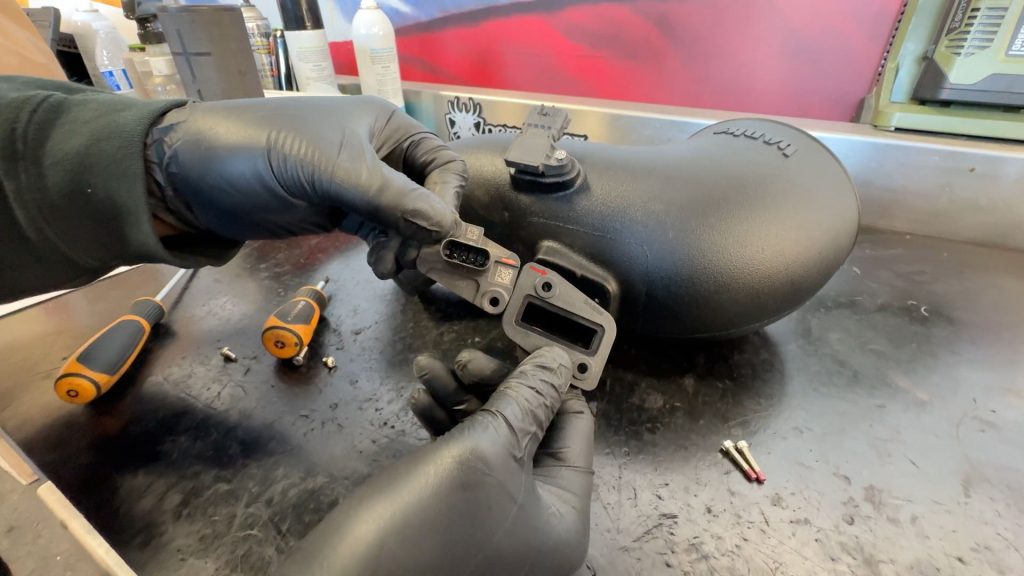
14. Notice there is an arrow on both the MAF sensor and the MAF spacer plate.
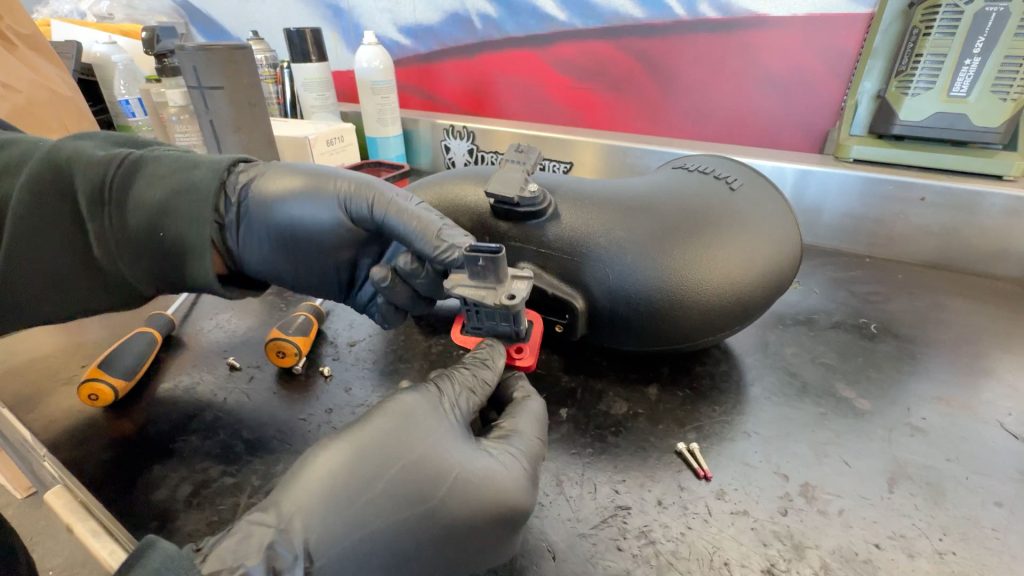
15. Insert the MAF sensor into the plate; these two arrows should face the same direction.
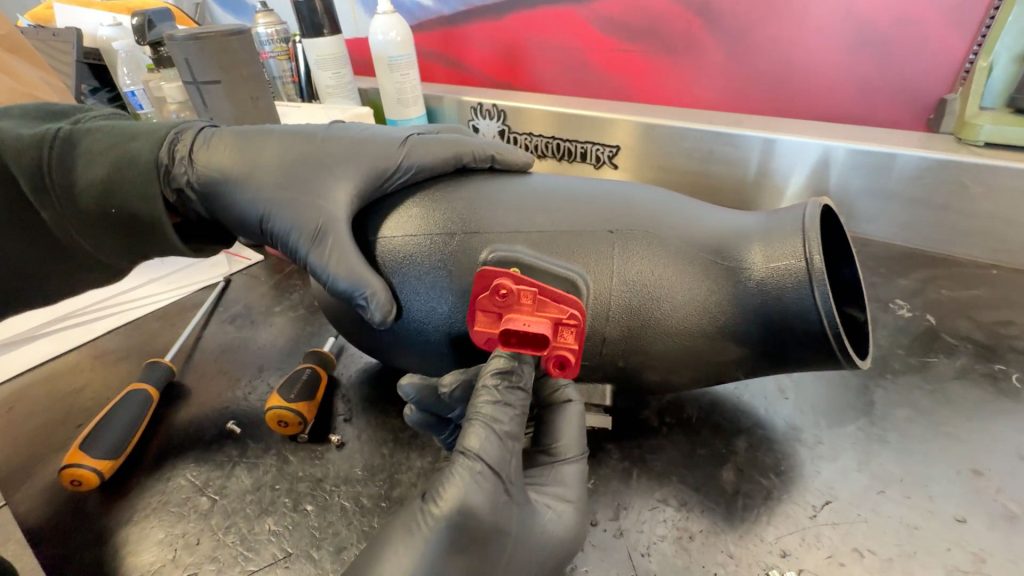
16. Insert both into the new Banks tube, the arrows should be pointing towards the turbo.
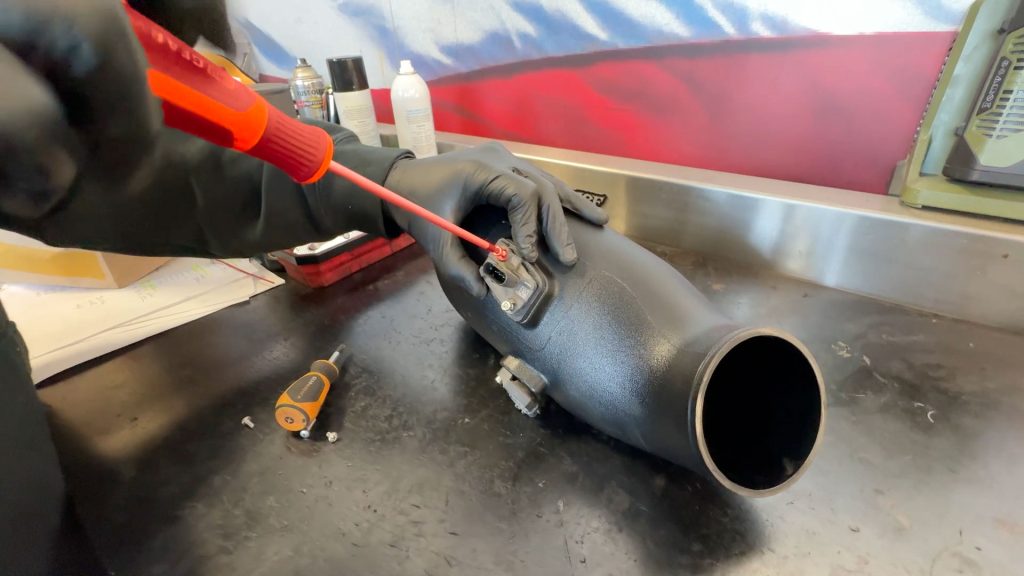
17. Secure the MAF sensor with the two longer T20 Torx screws.
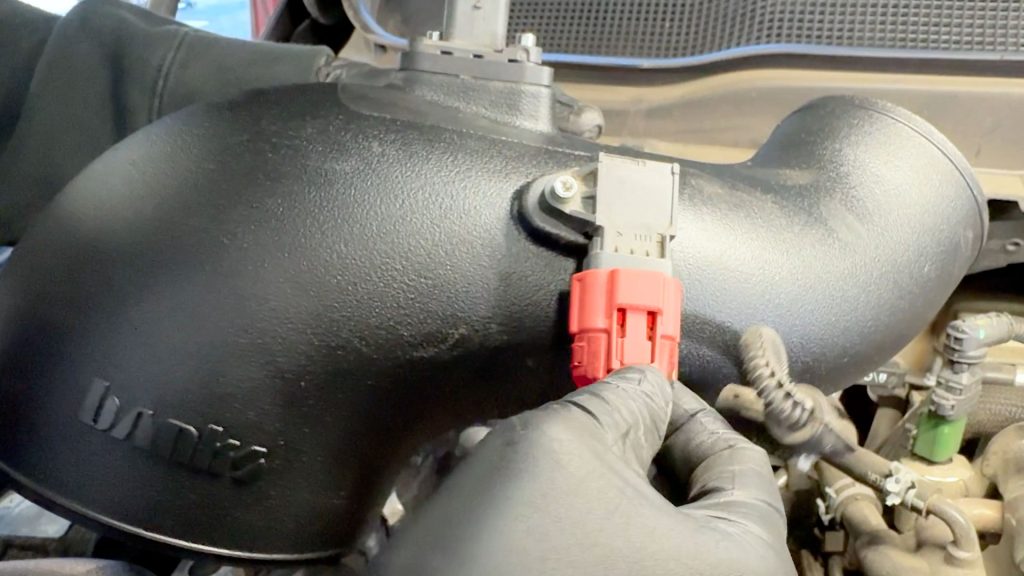
18. Plug the MAP sensor back into the truck.
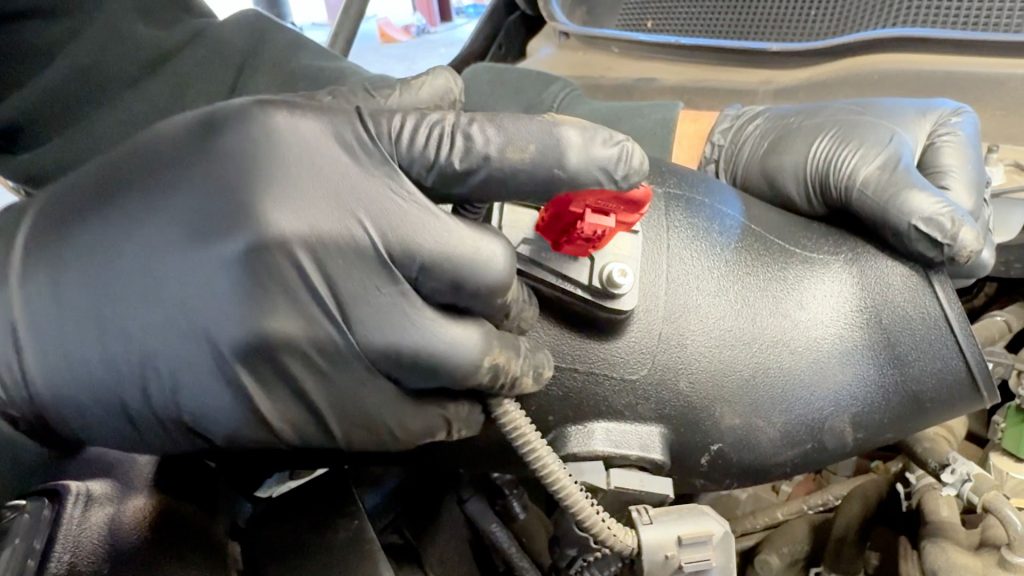
19. Plug the MAF sensor back into the truck.
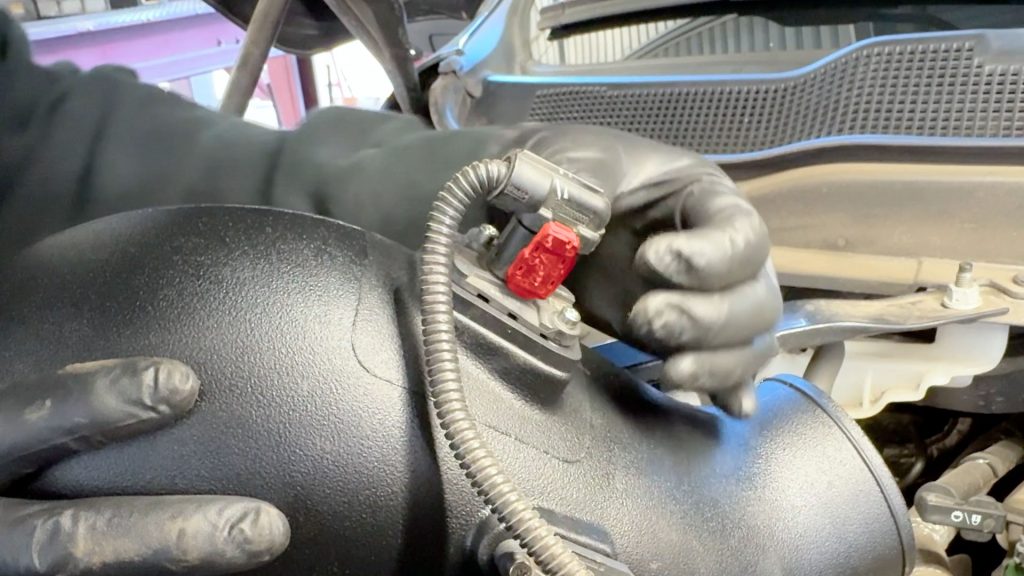
20. Dont forget to replace the cap over the MAF plug.
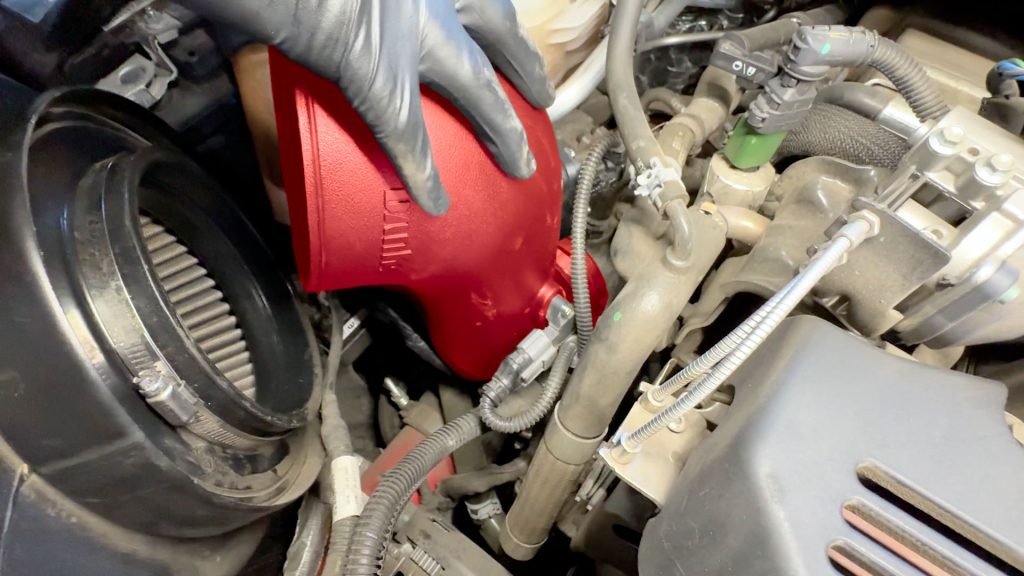
21. Slide the new tube back into the hose on the turbo inlet.
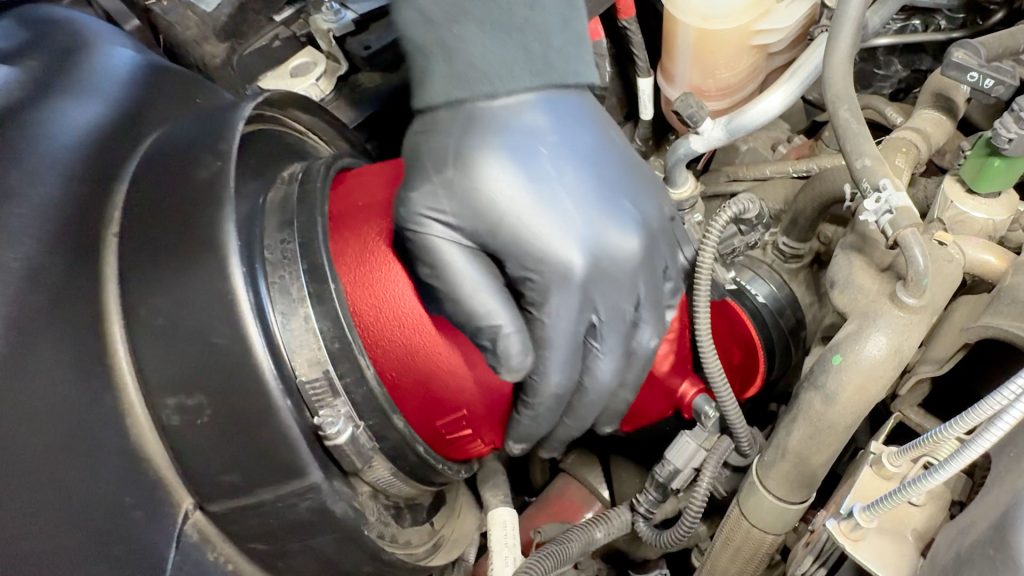
22. Then slide the tube back into the air filter.
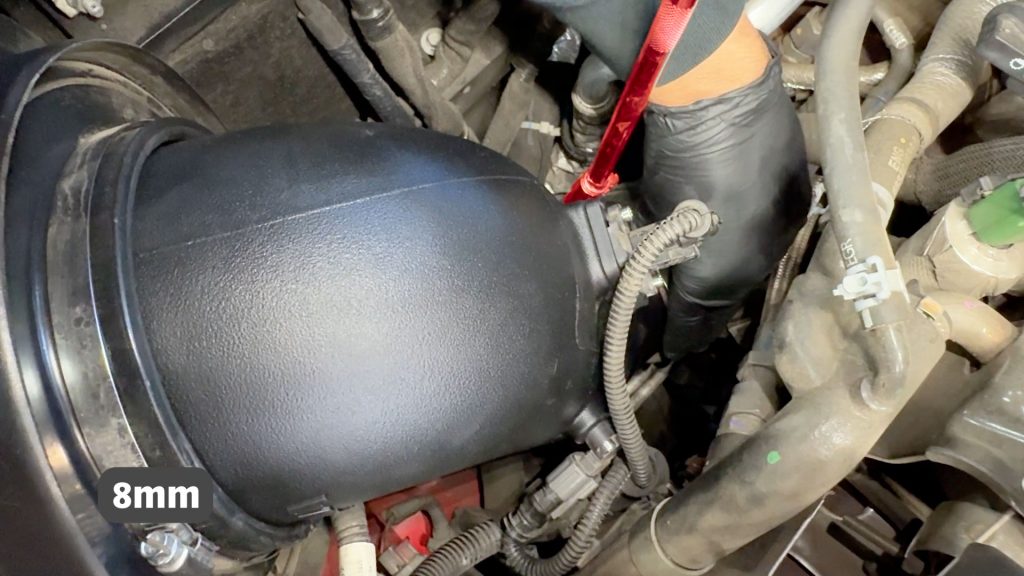
23. With an 8mm socket and extension, tighten the clamp by the turbo inlet.
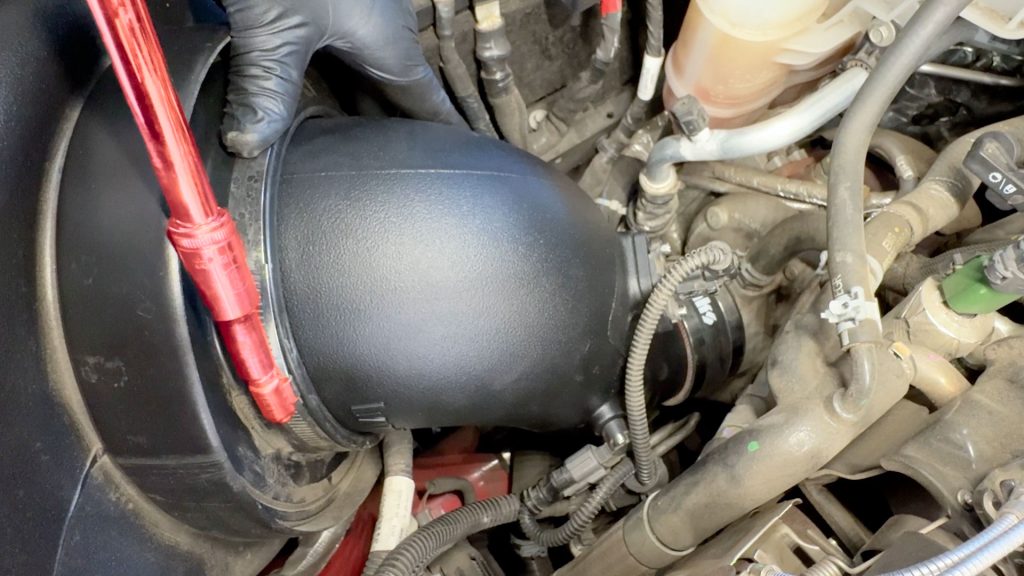
24. With an 8mm socket and extension, tighten the clamp by the filter.
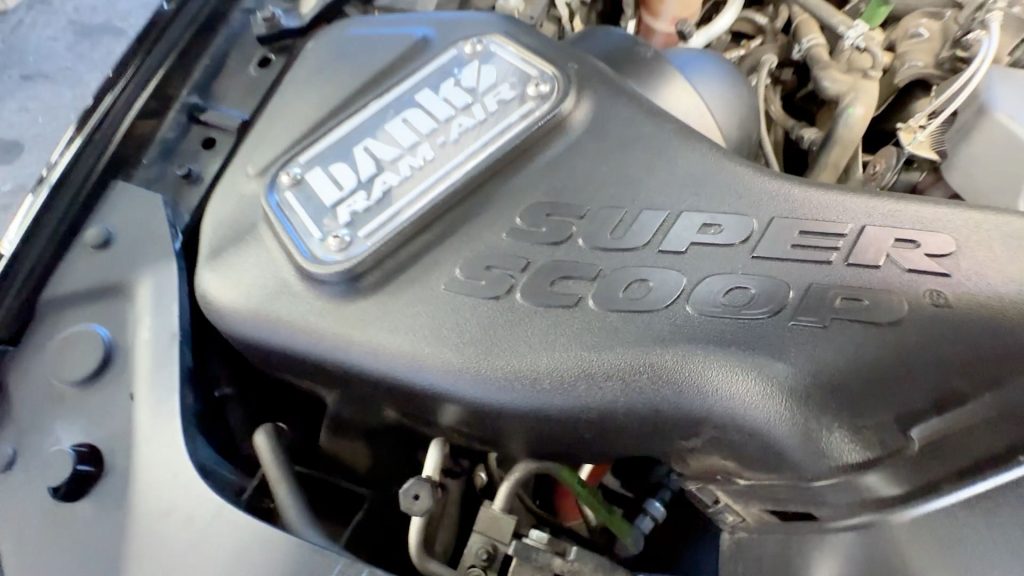
25. Check that everything is secure and free from any moving parts, and reconnect both batteries.