


iDash
Shop Idash
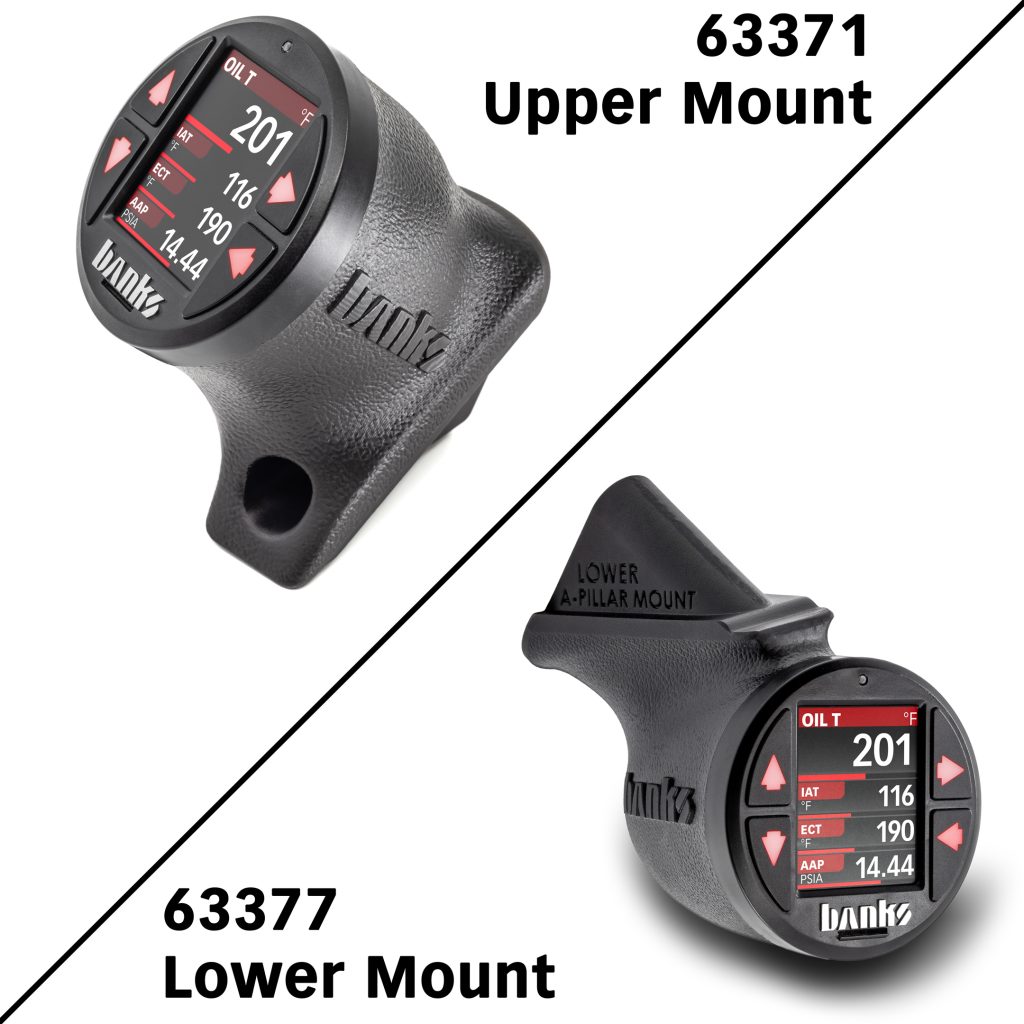
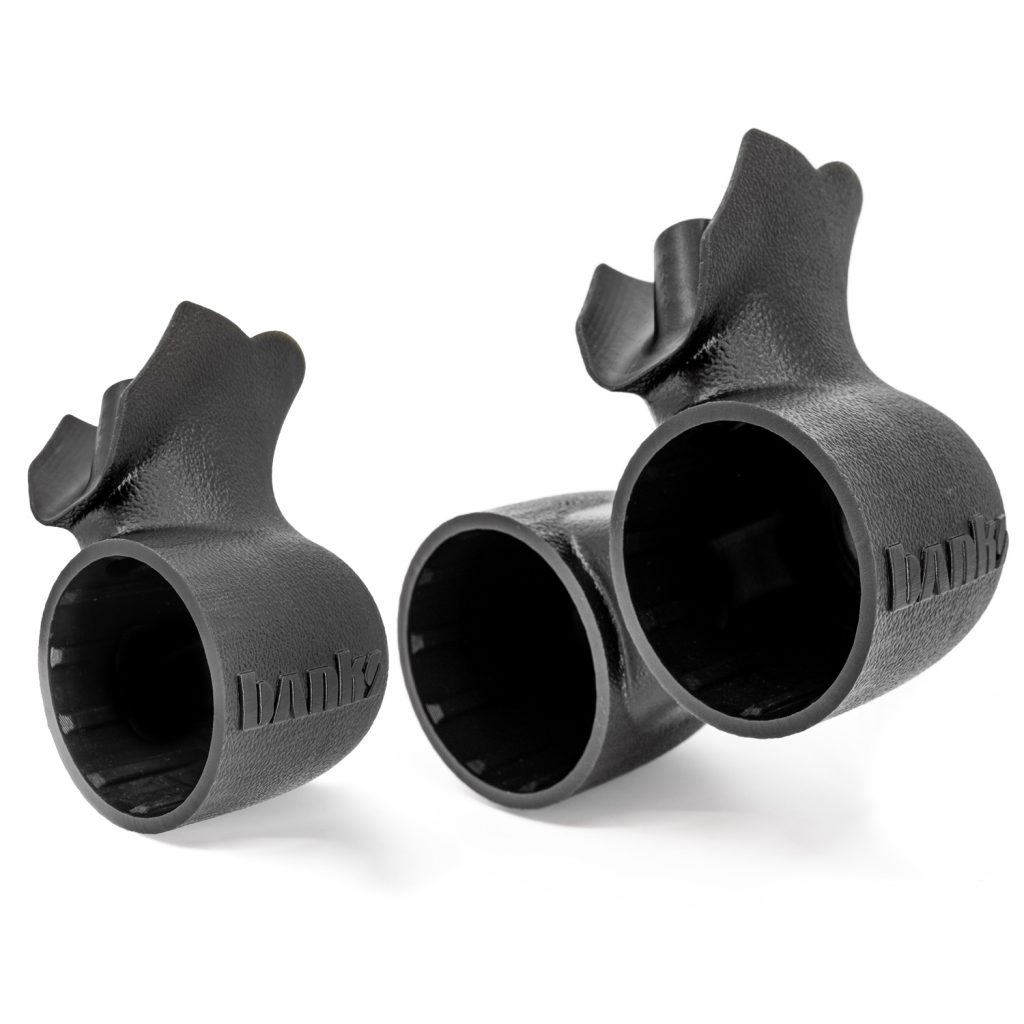
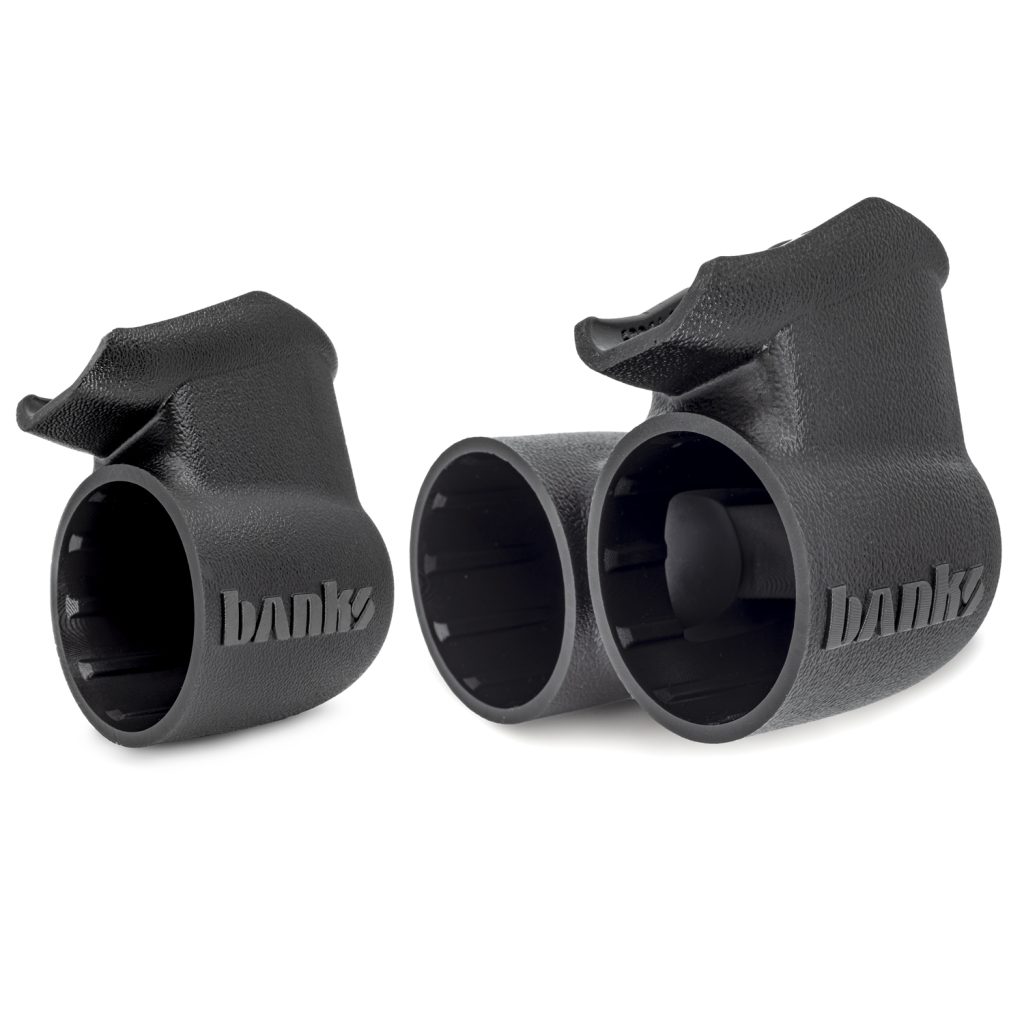
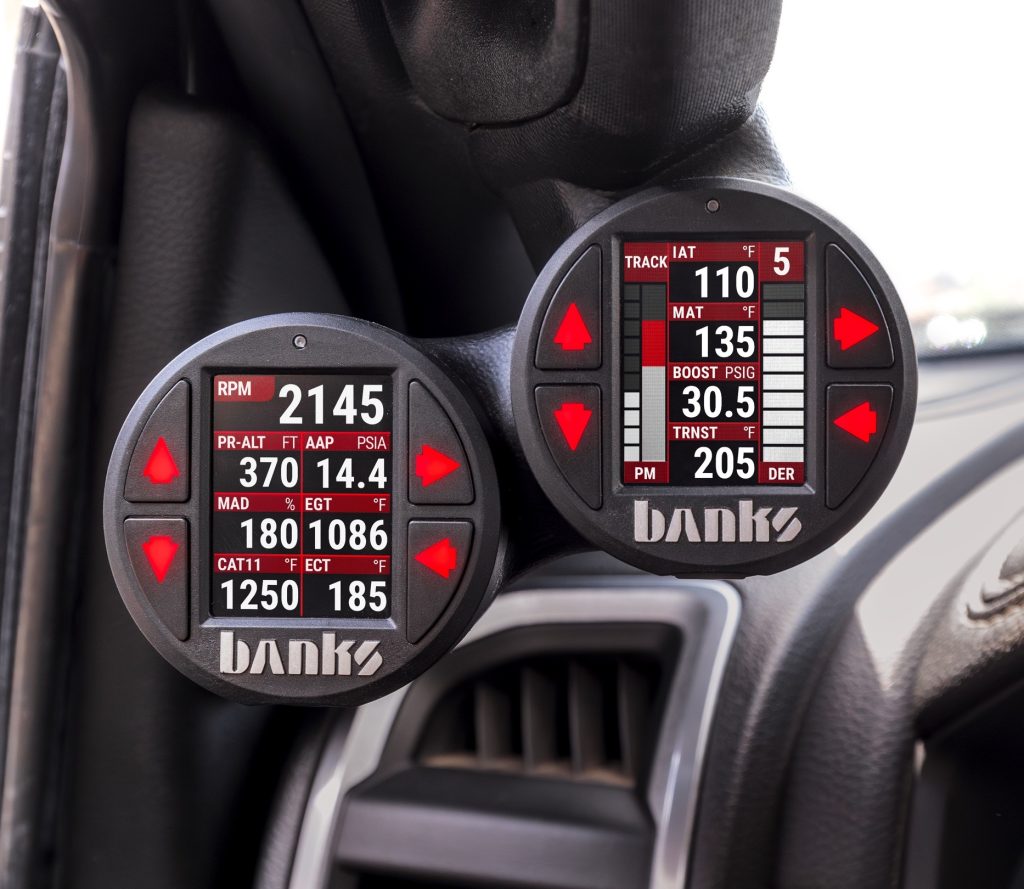
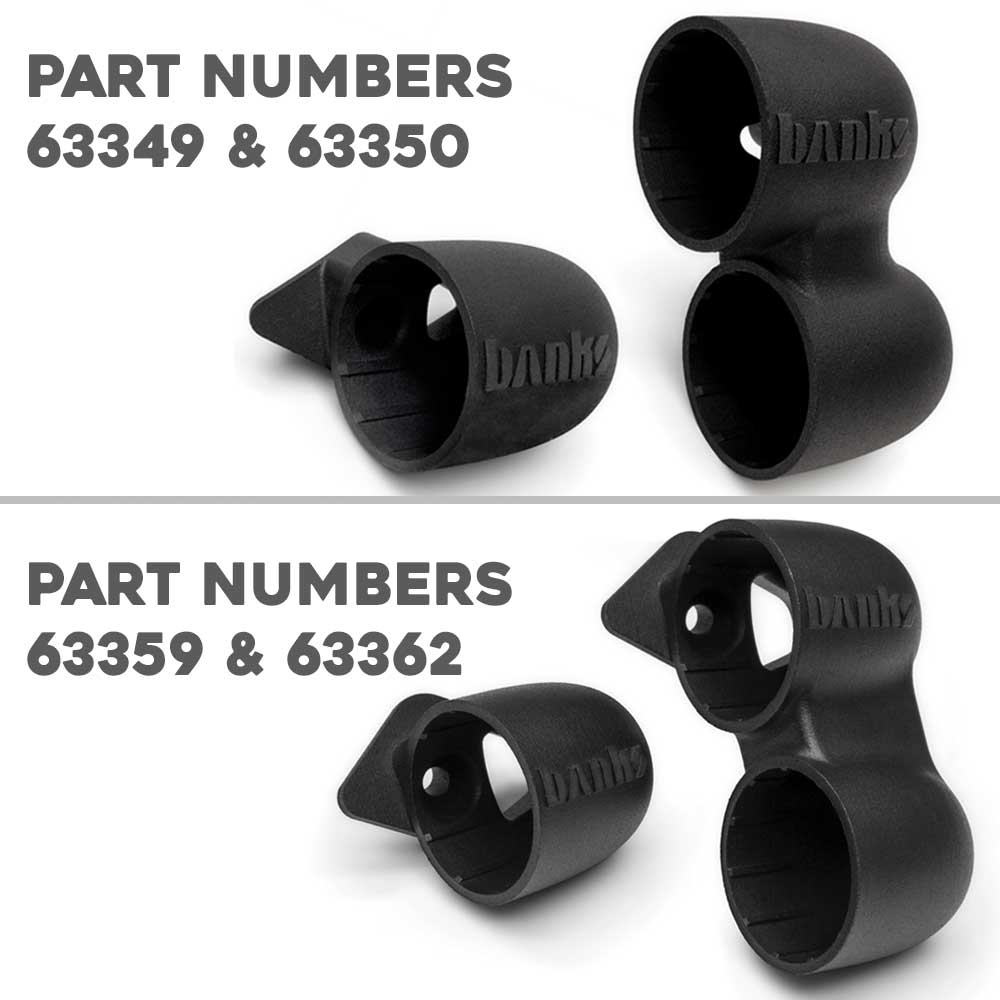
iDash Stealth Pod Mount
iDash Data Pro® Non-OBD Kit
iDash Pro® Non-OBD Kit
97732 Chevy/GMC Stealth Pod Installation Guide
97732 Chevy and GMC Stealth Pod Installation Guide
97654 iDash 1.8 DataMonster and Super Gauge: Section 16 Troubleshooting
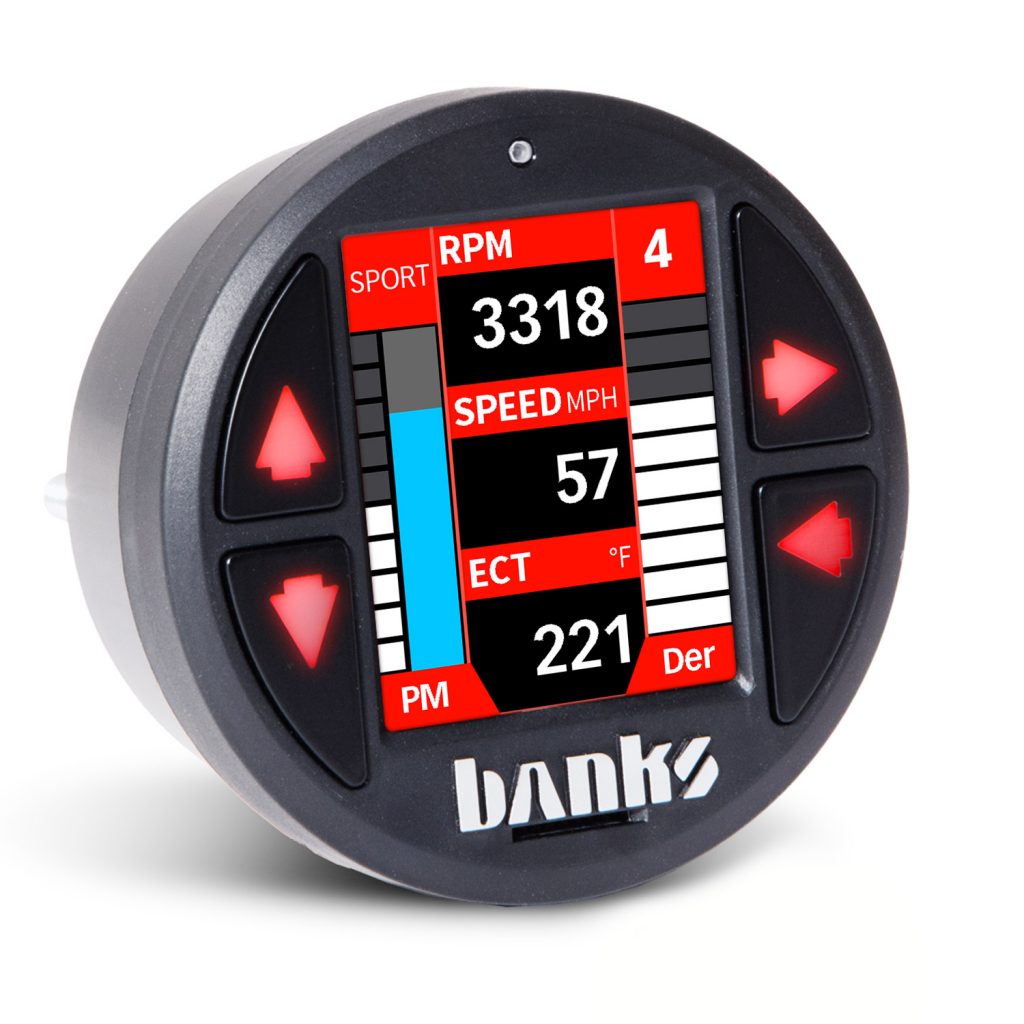
Section 16: Troubleshooting If the iDash does not power on when installed with the engine running, please check the following items: 1. Push any of the four buttons on the iDash. 2. Make sure the iDash is properly connected to the vehicle as described in Section 2. 3. Some situations can be resolved by resetting […]
97654 iDash 1.8 DataMonster and Super Gauge: Section 15 Glossary
Banks Engine Air Density System Overview Horsepower is directly dependent on the number of oxygen molecules available for combustion. Simply put, the more oxygen your engine has, the more fuel it can combust resulting in greater horsepower. Boost pressure has been the go-to performance measurement to predict horsepower changes because it directly affects the amount […]
97654 iDash 1.8 DataMonster and Super Gauge: Section 14 Firmware Updates
To ensure that your Banks Bus system is operating as designed, we recommended checking for firmware updates for your iDash or Banks Modules. To check for updates: 1. Visit our Product Updates page and find your product. 2. Insert a microSD card into your computer using a USB-to-microSD card reader or similar device. 3. Right-click on […]
97654 iDash 1.8 DataMonster and Super Gauge: Section 13 System Information
Section 13: System Information The System Information menu displays information about the hardware and software of the iDash and any Banks device connected to it. Please include this when requesting support for your device. Another feature in the “System Information” menu is “Capture BID Support.” This will record all the parameters available on your vehicle […]
97654 iDash 1.8 DataMonster and Super Gauge: Section 12: Settings
Section 12: Settings The iDash features many customizable settings allowing for personalization. Most user-configurable settings can be adjusted in the “Settings” menu. This menu allows you to set up the number of gauges to display.