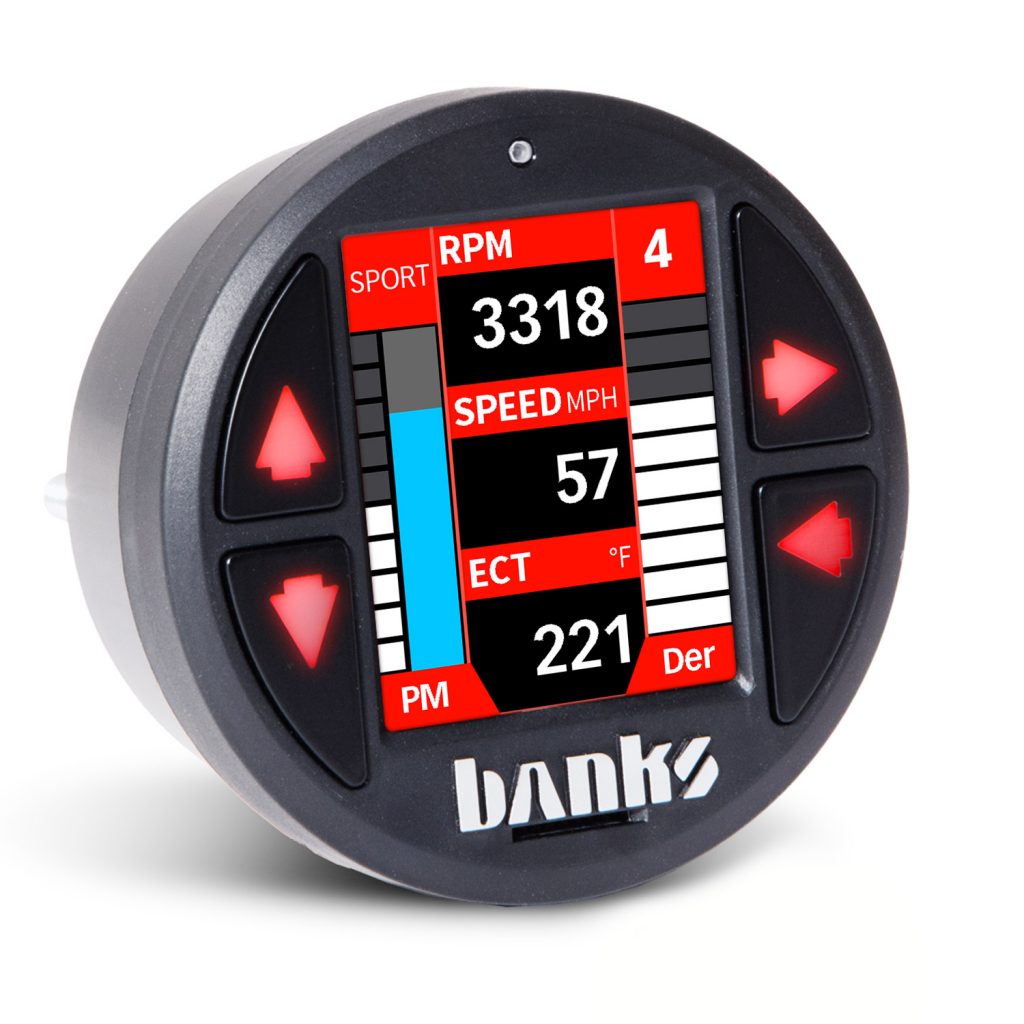



iDash

Shop Idash

View all products

97654 iDash 1.8 DataMonster with Super Gauge or Banks Modules (If Connected)

Section 11: Banks Modules (If Connected) The “Banks Modules” menu allows you to configure and/or control modules that are connected to the iDash. Only connected Banks Modules (Derringer, Six-Gun, EconoMind, SpeedBrake) will show up in this section. To access the menu: Select “Banks Modules” from the main “MENU.” Scroll through the list and select the […]

Read More »
April 23, 2021

97654 iDash 1.8 DataMonster and Super Gauge: Section 9: Alerts

Section 9: Alerts To enable and configure gauge alerts: Select “Alerts” from the main “MENU.” Select a “Field #” with the parameter of interest. See Figure 9-1, A. Select “Alert High Enable” and/or “Alert Low Enable” to turn “On” or “Off” the alert. See Figure 9-1, B & C. Select “Alert High” and/or “Alert Low” to […]

Read More »
April 22, 2021

97654 iDash 1.8 DataMonster and Super Gauge: Section 7: Diagnostics

Section 7: Diagnostics 7.1  Vehicle Diagnostics Trouble Codes (DTC’s) See the cause of your vehicle’s Check-Engine Light! With the iDash, you can read and clear vehicle manufacturer trouble codes. 1. Select “Diagnostics” from the main “MENU” thn select “Vehicle” for vehicle diagnostics.  NOTE: Vehicle must be stopped to access vehicle diagnostics.  To check for all […]

Read More »
April 22, 2021

97654 iDash 1.8 DataMonster and Super Gauge: Section 5 Gauge Selection

Section 5 Gauge Selection Parameter Selection To change iDash’s displayed parameters: Go to “Menu“and select “Gauge Selection.” See Step A, B. Select a “Field #” to change the parameter. See Step C. Select a “GROUP” parameter. See Step D. Select an “ITEM” parameter to display. See Step E. Hold the BACK button to return to […]

Read More »
April 21, 2021

97654 iDash 1.8 DataMonster and Super Gauge: Section 4: Layout

Section 4: Layout The “Layout” menu allows you to select various gauge layouts for the Gauge Screen. Some special layouts become available when connected to a module. 1. Layout Selection To modify the number of gauges displayed: Go to “MENU” and select “Layout.” Select the desired layout and you will automatically be returned to the […]

Read More »
April 21, 2021

97654 iDash 1.8 DataMonster and Super Gauge

Table of Contents Disclaimer of Liability and Warranty End User License Agreement (EULA) Section 1: SAFETY PRECAUTIONS Section 2: Mounting and Connection iDash Section 3: Software Introduction and Interface Section 4: Layout Section 5: Gauge Selection Section 6: Data Logging (If equipped) Section 7: Diagnostics Section 8: Min and Max Values Section 9: Alerts Section […]

Read More »
April 20, 2021