Pedal Monster
Banks PedalMonster
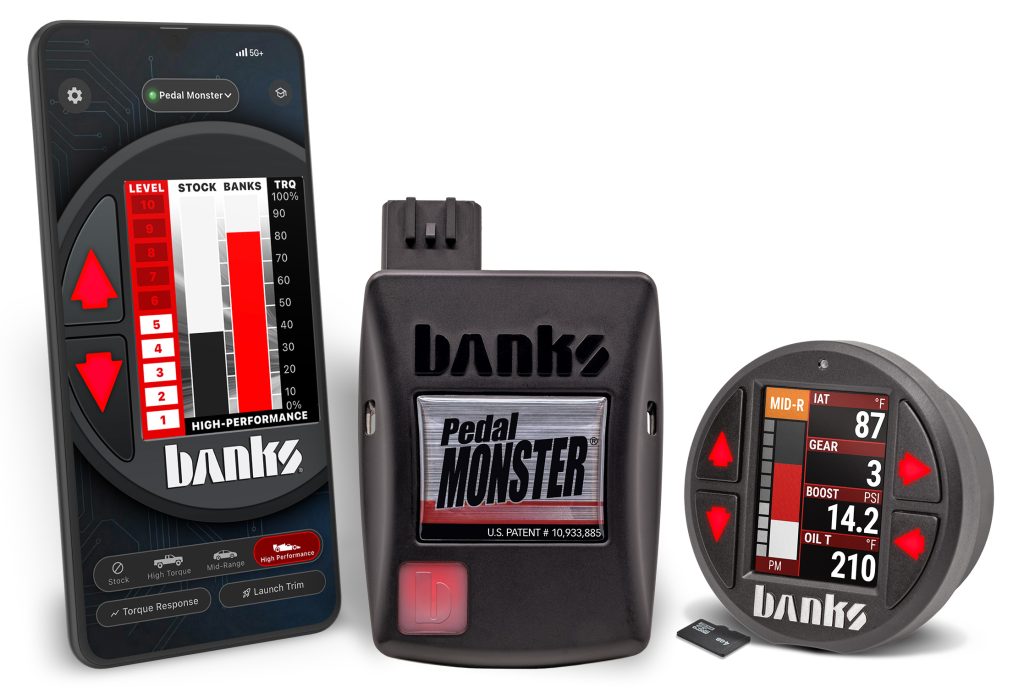
Banks PedalMonster is a throttle response controller designed to improve accelerator pedal response in modern drive-by-wire vehicles. It connects directly to the vehicle’s electronic accelerator pedal system and allows drivers to adjust throttle sensitivity to match their driving preferences.
Adjustable Throttle Response
PedalMonster provides multiple levels of throttle sensitivity adjustment, allowing drivers to choose a more responsive accelerator feel or return to stock behavior when desired. Settings can be changed to suit everyday driving, towing, off-road use, or other driving conditions.
Control from Your Phone
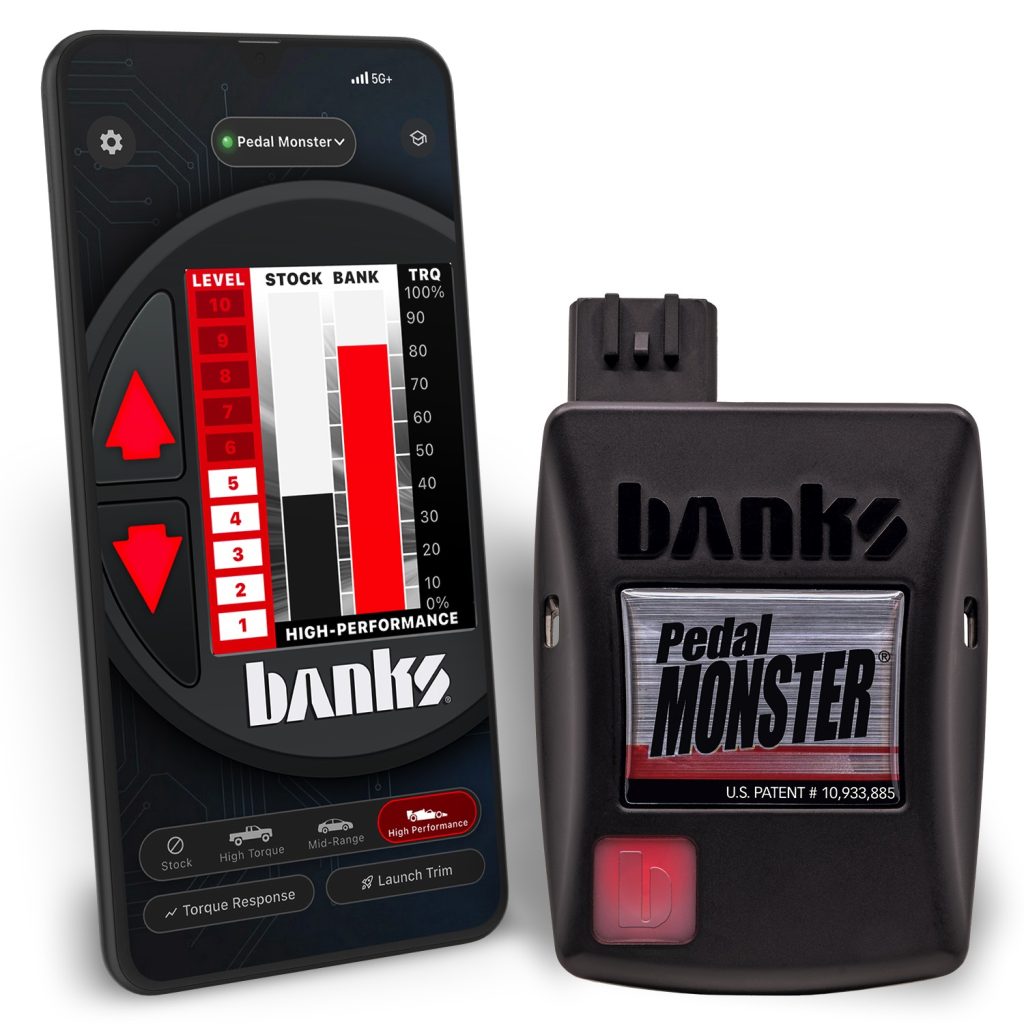
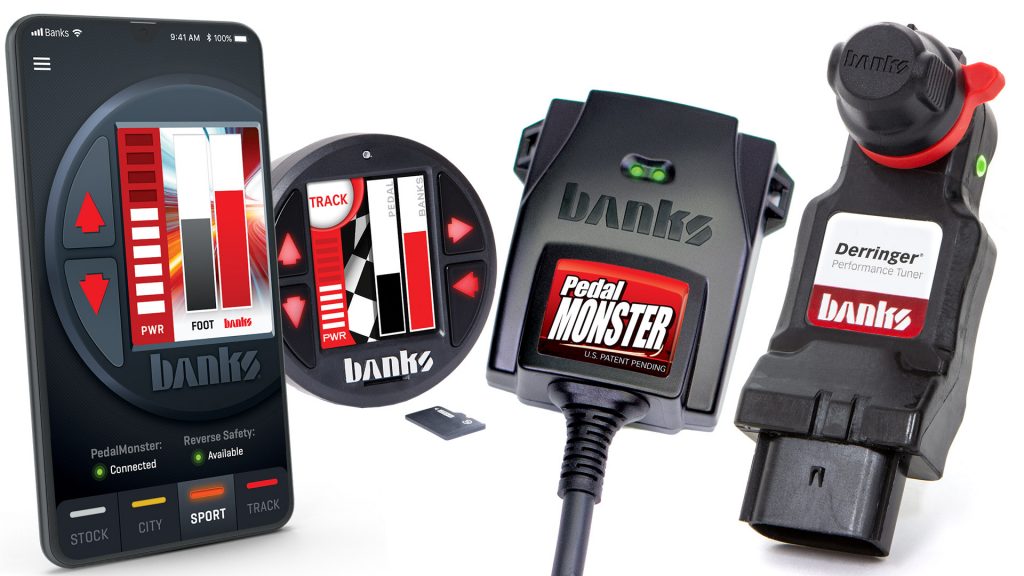
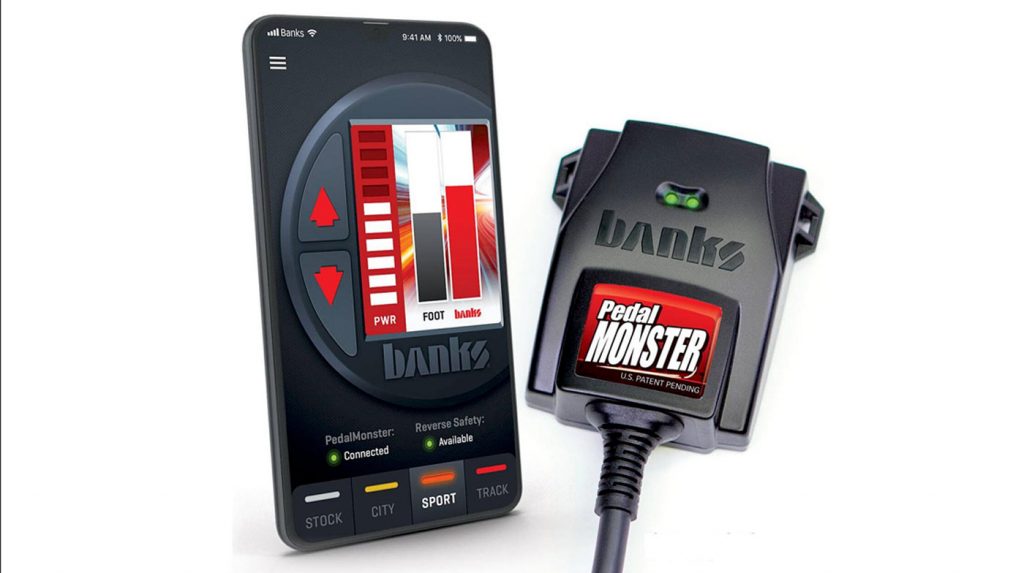
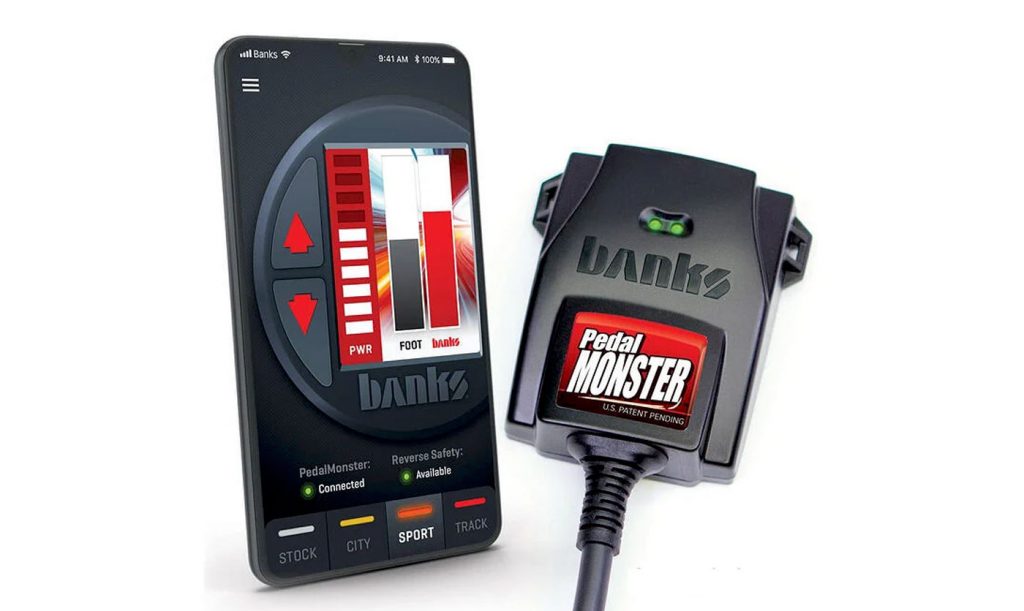
PedalMonster can be configured and controlled using the Banks mobile app on compatible devices. Drivers can adjust response levels and operating modes without adding a separate control panel to the dashboard.
Vehicle-Specific Applications
Banks offers PedalMonster configurations for a wide range of Chevrolet, GMC, Ford, Dodge, Ram, Jeep, Toyota, and other supported vehicles. Vehicle-specific applications ensure compatibility with the appropriate electronic accelerator pedal system.
Part of the Banks Ecosystem
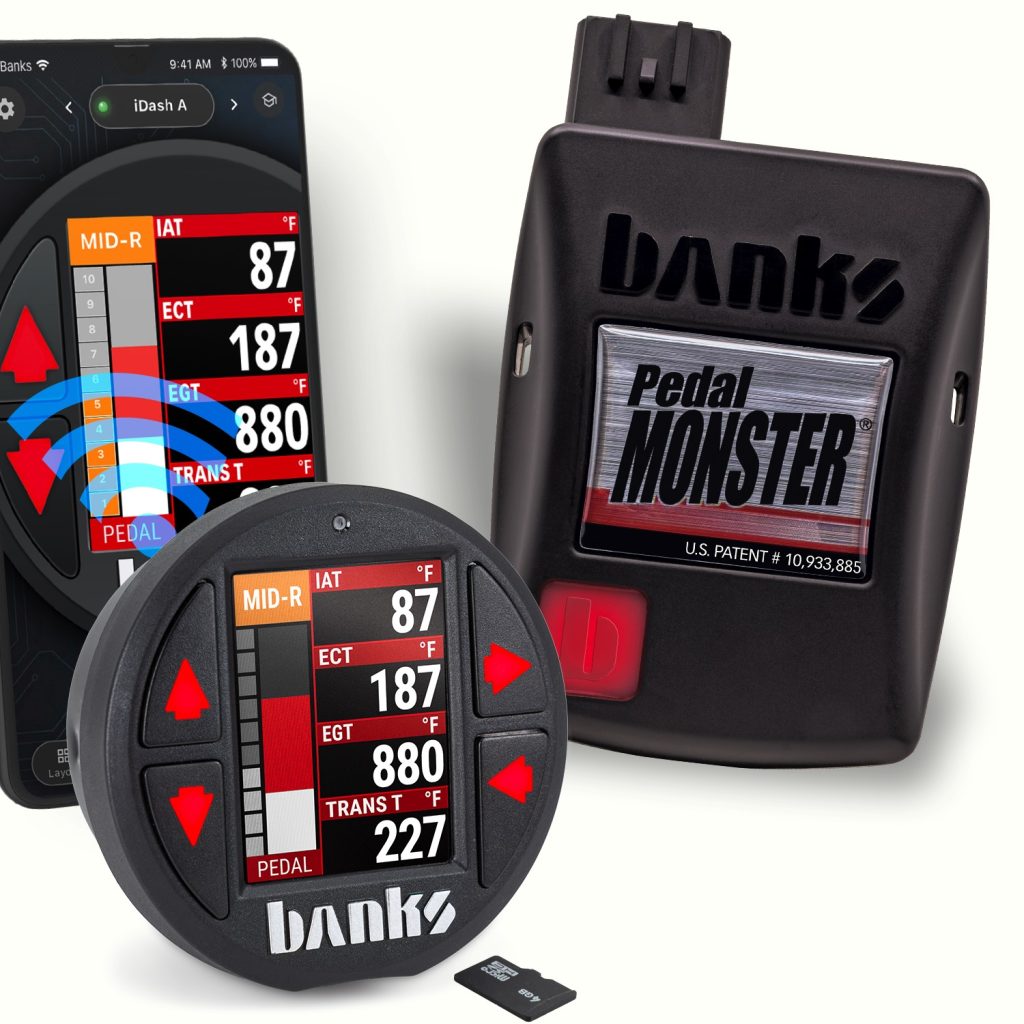
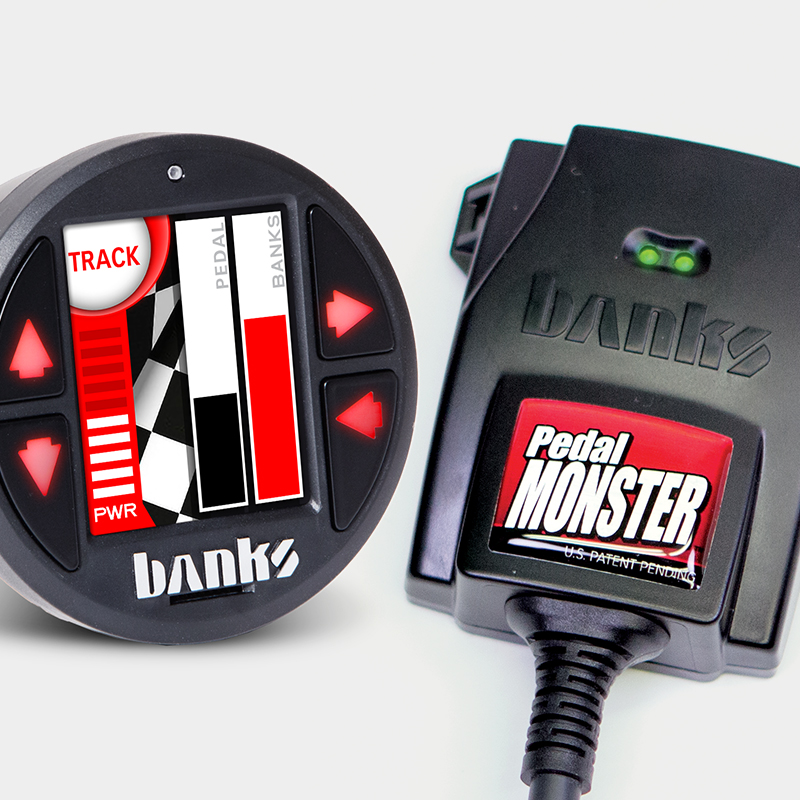
PedalMonster can integrate with compatible Banks products, including iDash, providing additional control options within a Banks-equipped vehicle.
Use the products below to compare PedalMonster applications, part numbers, and vehicle compatibility.

Shop Pedal Monster
PedalMonster
PedalMonster
PedalMonster
97780 Banks PedalMonster
PedalMonster Mobile App Download PedalMonster Installation – All Configurations PedalMonster Configurations and Diagrams General Installation Steps Please note: these steps will be used for any configuration of the PedalMonster. Initial Setup of PedalMonster with Mobile App Initial Setup of PedalMonster with iDash Setting via iDash Mode Selection on iDash Setting Up PedalMonster on iDash Gauge […]
97780 Banks PedalMonster – iDash and Derringer
2. Connect the 6-Pin Female Banks Bus Y-cable (supplied with the kit) from the PedalMonster module to the iDash. 3. Connect the OBD-II Cable from the vehicle’s OBD-II port to iDash’s 4-pin port. Do not secure the PedalMonster yet. You’ll need access to the “[b]” Banks button on the front.
97780 Banks PedalMonster – iDash Configuration
Section 1: Starting Installation 2. Locate the connector at the top of the accelerator pedal. While some connectors face the driver, others may face up toward the dash or to the left. 3. If the connector has a locking tab, slide the locking tab outwards to unlock. This will expose a black plastic button you […]
97780 Banks PedalMonster – Stand-Alone Configuration
Section 1: Beginning Installation 2. Locate the connector at the top of the accelerator pedal. While some connectors face the driver, others may face up toward the dash or to the left. 3. If the connector has a locking tab, slide the locking tab outwards to unlock. This will expose a black plastic button you […]
How and when to remove your PedalMonster throttle controller.
How and when to remove your Banks PedalMonster for dealer service visits. Step-by-step instructions for all vehicle types.
97696 Banks PedalMonster with iDash and Derringer
2. Connect the 6-Pin Female Banks Bus cable (supplied with the kit) from the PedalMonster module to the iDash. 3. Connect the OBD-II Cable from the vehicle’s OBD-II port to iDash’s 4-pin port. Do not secure the PedalMonster yet. You’ll need access to the recessed Bluetooth pairing button on the back.
97696 Banks PedalMonster with iDash Configuration
Note: If you do not have an iDash and will be using the PedalMonster in a standalone configuration, go to Section 4 on the PedalMonster installation home page. Section 1: Starting Installation 2. Locate the connector at the top of the accelerator pedal. While some connectors face the driver, others may face up toward the […]
97696 Banks PedalMonster with Derringer and Switch Configuration
For those with an existing Derringer tuner with a 3-position power level switch, you will need an OBD splitter. Follow the instructions for PedalMonster Stand-Alone kit for module installation. Then follow the steps below: Section 1: Starting Installation 2. Locate the connector at the top of the accelerator pedal. While some connectors face the driver, […]
97696 Banks PedalMonster – Stand-Alone Configuration
Section 1: Beginning Installation 2. Locate the connector at the top of the accelerator pedal. While some connectors face the driver, others may face up toward the dash or to the left. 3. If the connector has a locking tab, slide the locking tab outwards to unlock. This will expose a black plastic button you […]
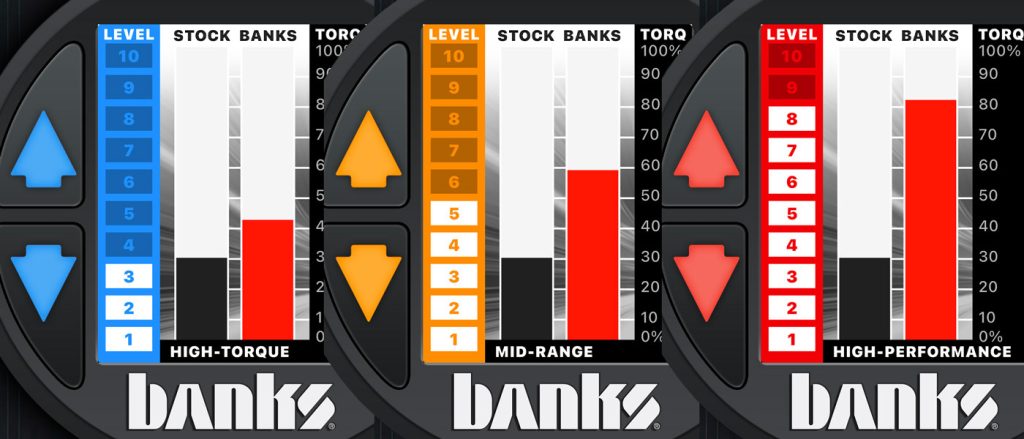
Pedal Monster throttle curves
High Torque, Mid-Range, and High Performance, each with 10 curves of refinement, allows you to tune out “dead spots” found in many pedals, making your throttle more responsive. PedalMonster can be adjusted on-the-fly through the iDash and phone application. Simply take your foot off the pedal momentarily to adjust the mode or sensitivity level.