Pedal Installation
Banks PedalMonster Installation
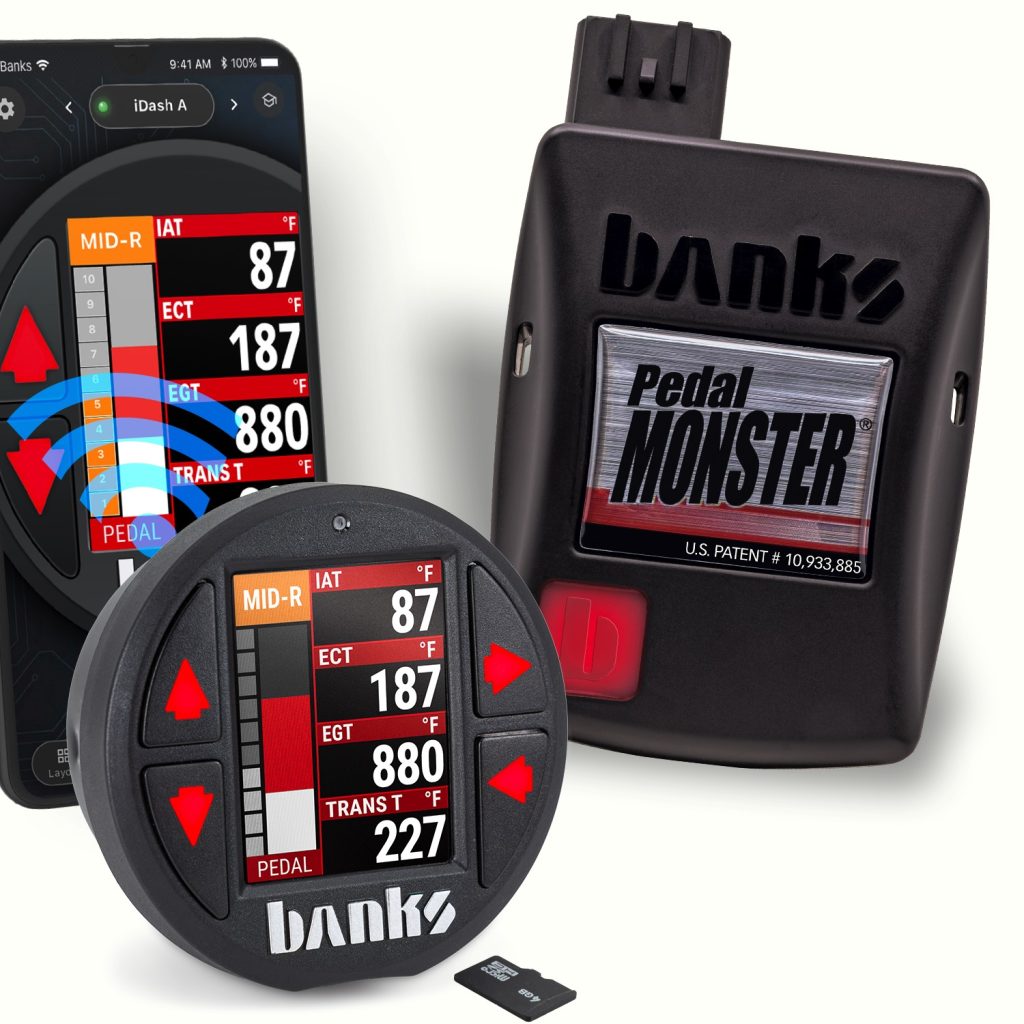
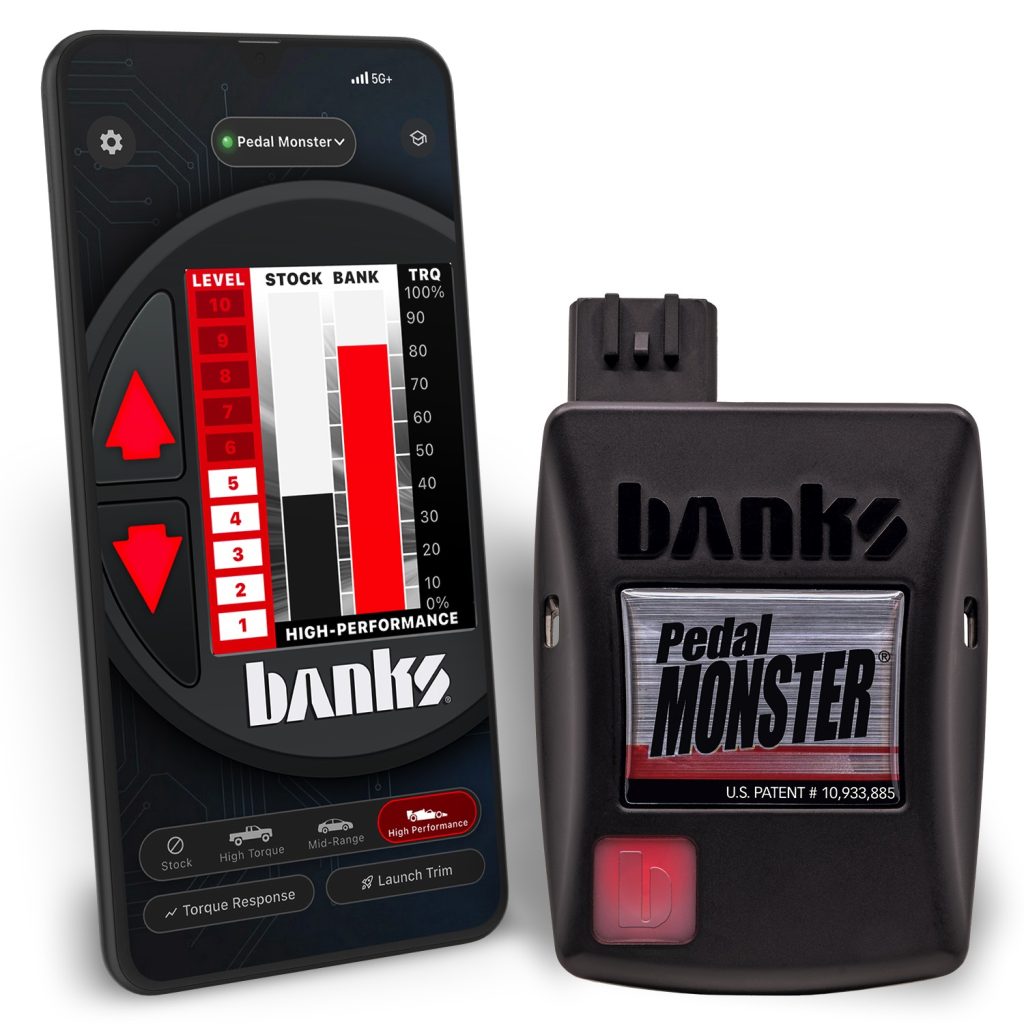
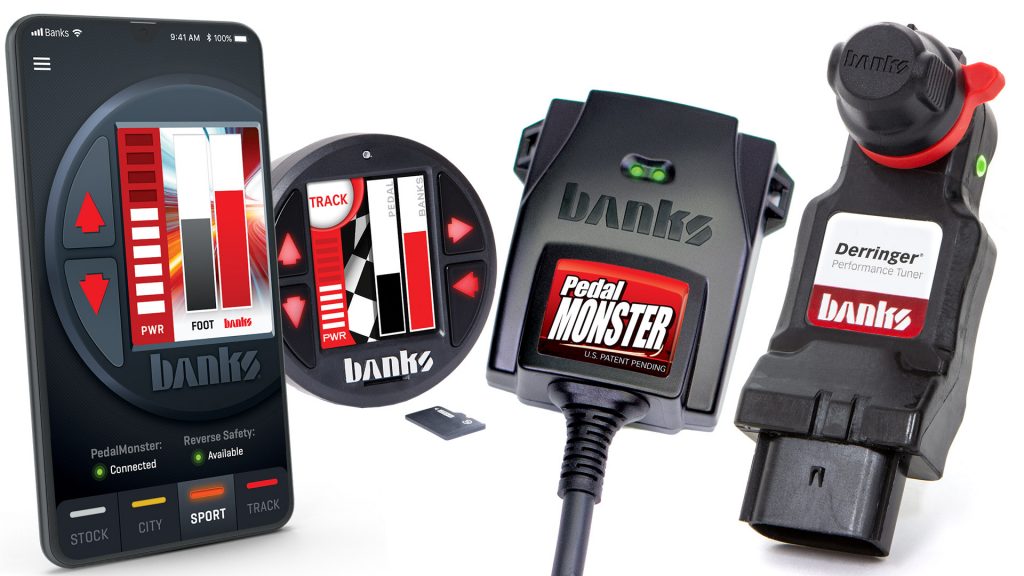
Find Banks PedalMonster installation instructions, configuration guides, and owner’s manuals for supported PedalMonster setups. These resources cover stand-alone installations as well as configurations using compatible Banks iDash and Derringer products.
PedalMonster Stand-Alone Installation
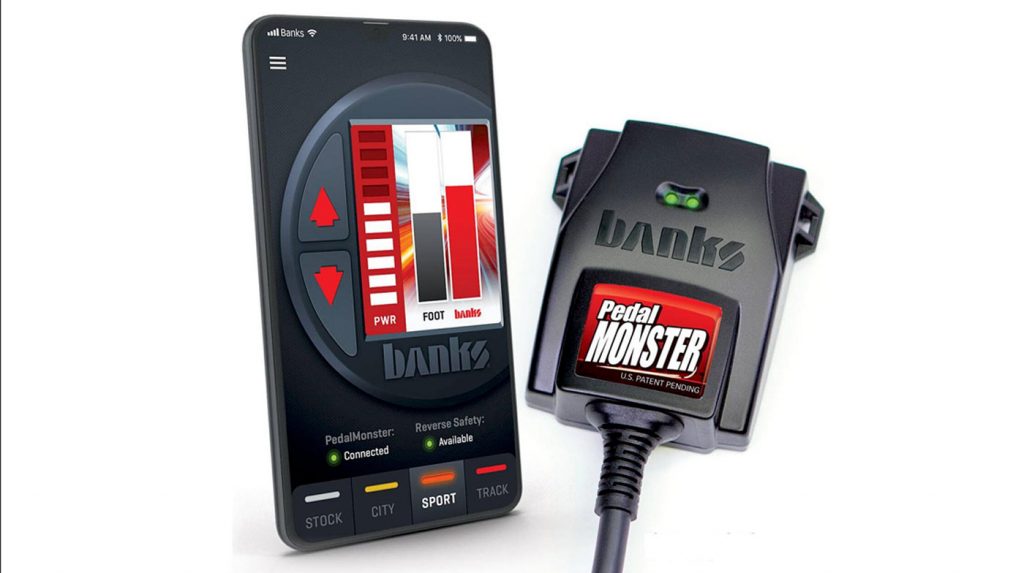
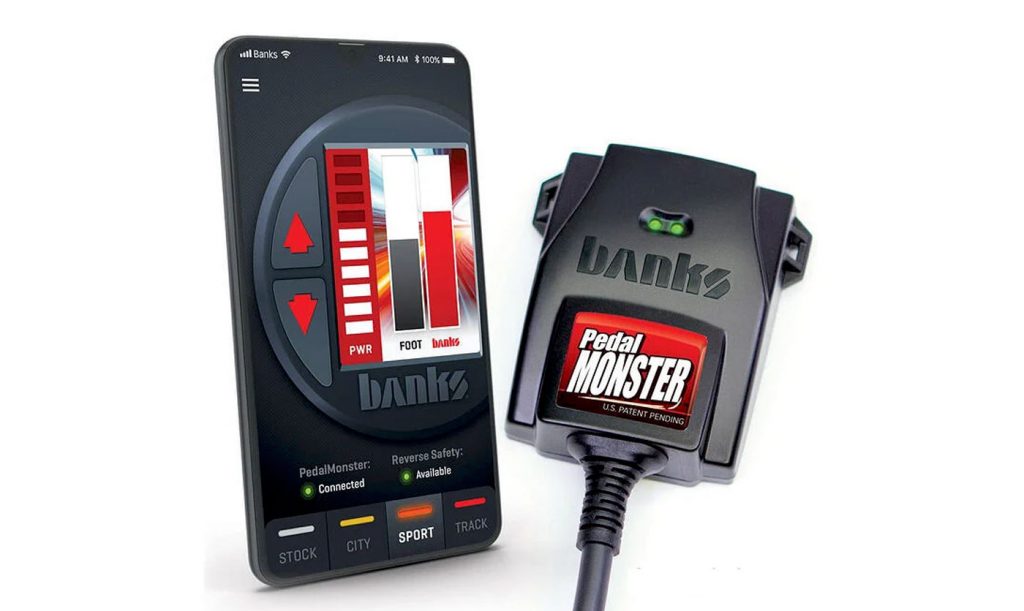
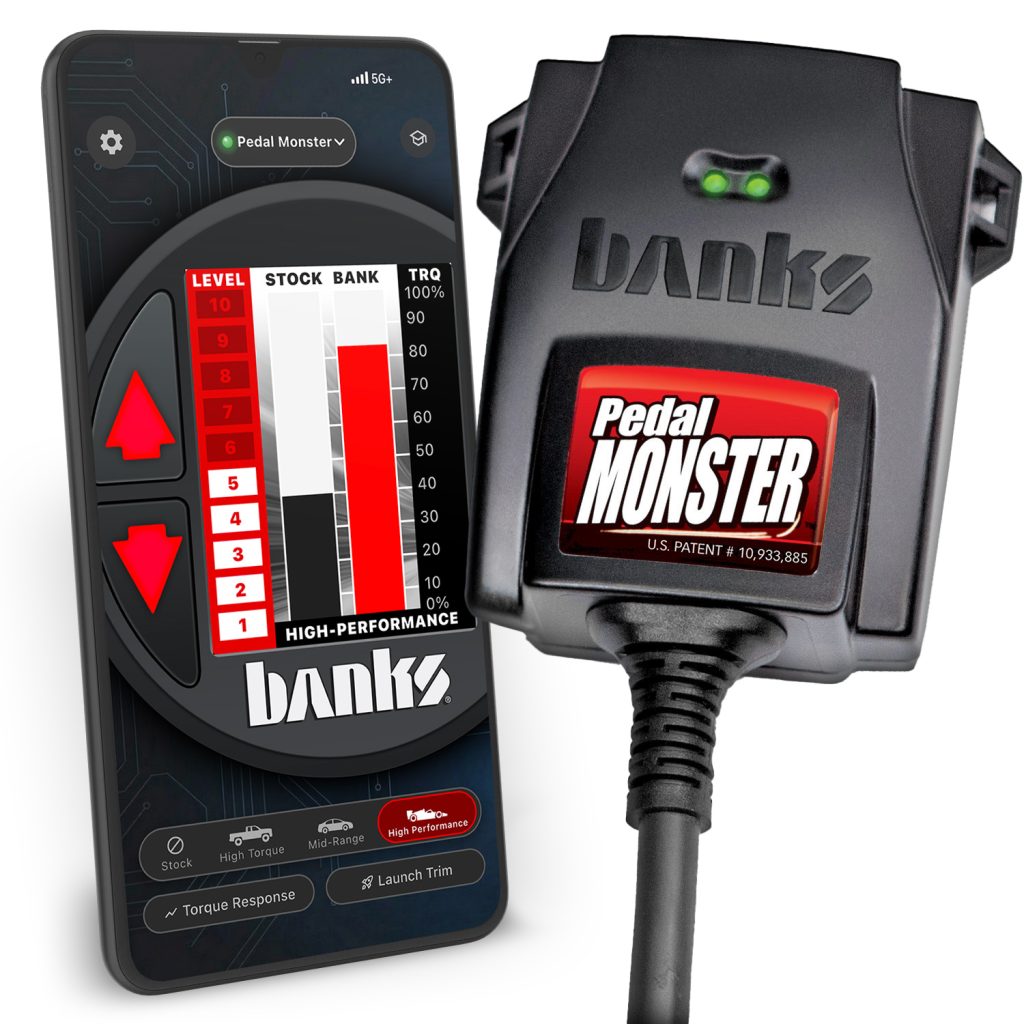
PedalMonster can be installed as a stand-alone throttle response controller on supported vehicles. The installation guides provide instructions for connecting the PedalMonster hardware and configuring the system for stand-alone operation.
PedalMonster with iDash
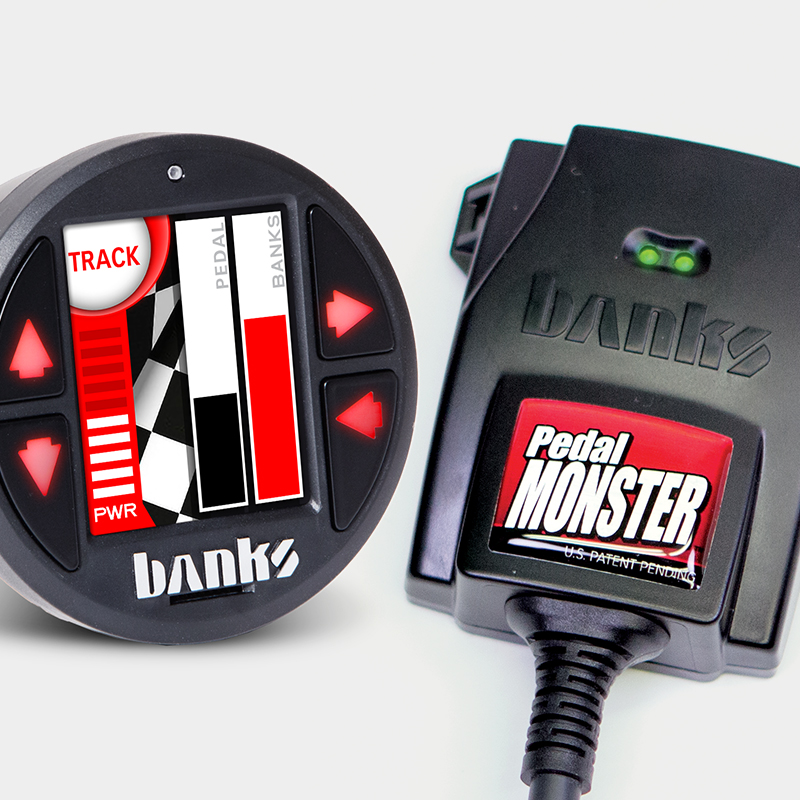
For installations using a compatible Banks iDash, configuration guides explain how PedalMonster integrates with the iDash system and how the connected components are configured.
PedalMonster with Derringer
PedalMonster can also be used in supported Banks Derringer configurations. The installation documentation covers configurations using Derringer, including systems equipped with an iDash or switch.
Installation and Configuration Resources
Use the Banks owner’s manuals and installation guides below to find the appropriate PedalMonster configuration and installation instructions for your Banks system.

Shop Pedal Installation
Exhaust Header System
97780 Banks PedalMonster – iDash Configuration
Section 1: Starting Installation 2. Locate the connector at the top of the accelerator pedal. While some connectors face the driver, others may face up toward the dash or to the left. 3. If the connector has a locking tab, slide the locking tab outwards to unlock. This will expose a black plastic button you […]
97780 Banks PedalMonster – Stand-Alone Configuration
Section 1: Beginning Installation 2. Locate the connector at the top of the accelerator pedal. While some connectors face the driver, others may face up toward the dash or to the left. 3. If the connector has a locking tab, slide the locking tab outwards to unlock. This will expose a black plastic button you […]
97696 Banks PedalMonster with iDash and Derringer
2. Connect the 6-Pin Female Banks Bus cable (supplied with the kit) from the PedalMonster module to the iDash. 3. Connect the OBD-II Cable from the vehicle’s OBD-II port to iDash’s 4-pin port. Do not secure the PedalMonster yet. You’ll need access to the recessed Bluetooth pairing button on the back.
97696 Banks PedalMonster with iDash Configuration
Note: If you do not have an iDash and will be using the PedalMonster in a standalone configuration, go to Section 4 on the PedalMonster installation home page. Section 1: Starting Installation 2. Locate the connector at the top of the accelerator pedal. While some connectors face the driver, others may face up toward the […]
97696 Banks PedalMonster with Derringer and Switch Configuration
For those with an existing Derringer tuner with a 3-position power level switch, you will need an OBD splitter. Follow the instructions for PedalMonster Stand-Alone kit for module installation. Then follow the steps below: Section 1: Starting Installation 2. Locate the connector at the top of the accelerator pedal. While some connectors face the driver, […]
97696 Banks PedalMonster – Stand-Alone Configuration
Section 1: Beginning Installation 2. Locate the connector at the top of the accelerator pedal. While some connectors face the driver, others may face up toward the dash or to the left. 3. If the connector has a locking tab, slide the locking tab outwards to unlock. This will expose a black plastic button you […]
97696 Banks PedalMonster
How to install, set up, and configure the Banks PedalMonster throttle controller. For use with all stand-alone, and iDash confiura