



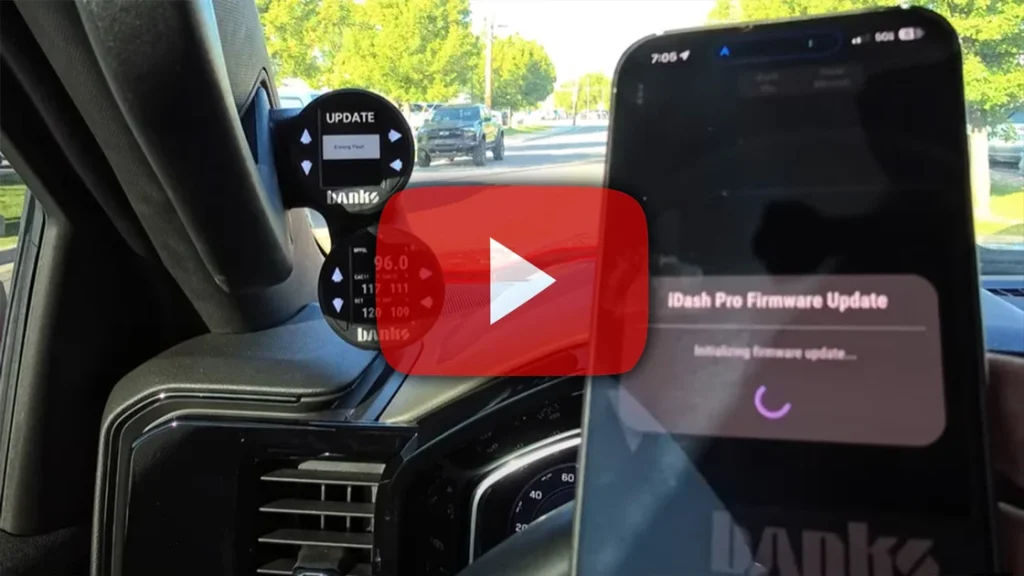
“I hear there’s a new update… Banks iDash Data Pro,” says Greg Nelson of DemonWorks, launching the upgrade from his app while driving to keep data flowing. This over-the-air update adds new features, one of which Greg is especially excited about. “That’s super cool… this is the first gauge display I’ve had that actually shows oil pressure.” Now, thanks to iDash’s fast refresh rate, he can see real-time readings instead of the questionable values from the truck’s dash.

00:00 I hear there’s a new update out there with the new Banks iDash Data Pro. I’m going to go ahead and update this from my app—which I just hit dismiss, which I did not mean to do. So, we’re going to connect the Dash Pro, and update it through the app, then see if I got the update on the actual gauge itself.
00:15 Now, what I’m after is… see how the firmware update? We’re going to go ahead and start that. Now, you have to have the vehicle running whenever you’re doing an update because it does not want to lose power. I like to update whenever I’m driving. But the main thing I’m after right now is if this actually has the oil pressure.
00:30 Now, the update says it’s for the L5P. This is a Duramax 3.0, so it’s not the same. I’m hoping if the L5P got the oil pressure that I also get it as well. So, we’re going to go ahead and do this while we drive. We’re gonna let that go, and I’m gonna go ahead and start driving. I’ll fast forward this so we don’t have to watch. [Music]
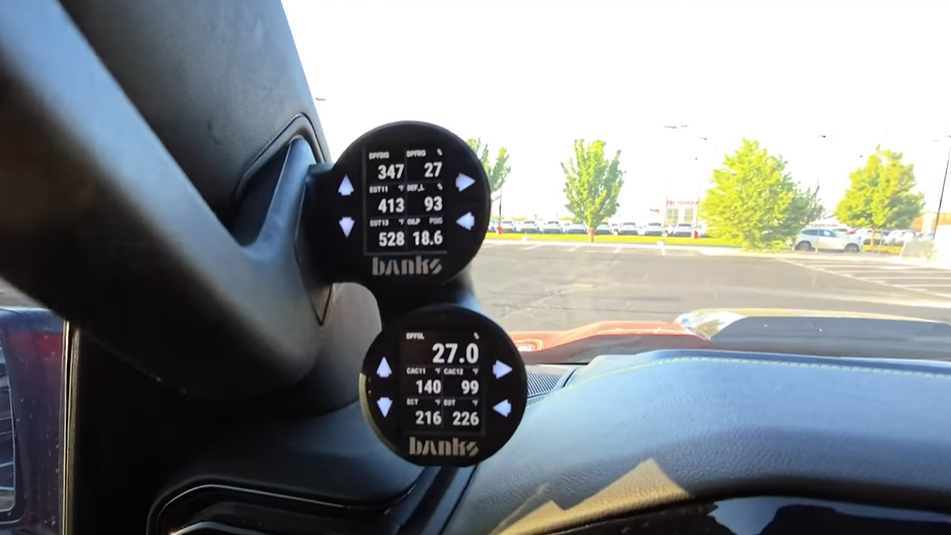
02:14 Update completed. And as you can see right here, I put it on the lower right corner—oil pressure is a go. Now, what I like about these Dash Pros is the refresh rate. Look at how quickly that oil pressure is fluctuating.
02:30 All right, I’m going to go ahead and give it a rev. You could probably hear it when I rev it, and we’ll see how quickly the oil pressure responds—instant. So, the refresh rate on these Dash Data Pros is super fast.
02:47 So yeah, that’s super cool that we have oil pressure finally. This is the first gauge display that I’ve been able to get that actually shows oil pressure. Because, as you know, we always see oil pressure and it is super mega low all the time. Now, we can at least see that oil pressure.
This iDash Pro firmware update gave Greg access to an oil-pressure parameter that he could display directly on his iDash Data Pro. Instead of relying only on the truck’s factory gauge presentation, he could watch the reported value respond as engine speed changed. Parameter availability varies by vehicle, model year, engine, and installed firmware, so owners should confirm which readings are supported for their application.
The Banks mobile app allows an iDash Pro or iDash Data Pro to check for available firmware and install supported updates wirelessly. These updates can add vehicle-specific parameters, expand compatibility, improve communication, and correct software issues. Banks continues to publish new firmware, so the version demonstrated in this video should not be described as the current or latest release.
For safety, perform the update while the vehicle is parked and maintain stable power throughout the process. Do not disconnect the iDash, close the app, or shut off the vehicle while an update is being installed.
After updating, review the available parameters and place the most useful readings—such as oil pressure, coolant temperature, boost, or transmission temperature—in a layout that can be read quickly without distracting from the road.