



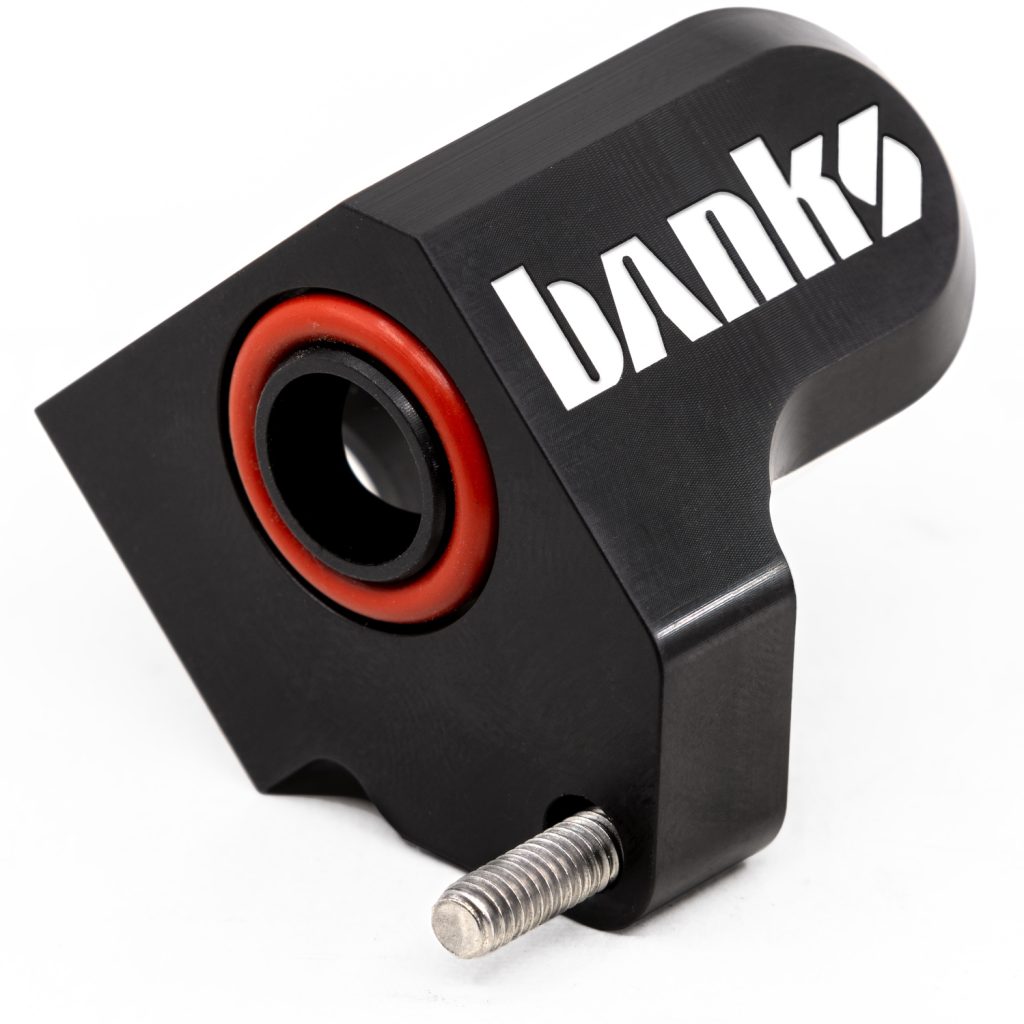
| Part Number | Description | QTY |
| 43637 | MAP Spacer | 1 |
| 91779 | T20 Stainless Torx Screw w/ Thread Locker 20mm | 2 |
| 93157 | High Temp O-Ring | 1 |
| 93012 | T20 Torx Key | 1 |
| 62217 | MAP Sensor Extension Harness | *1 |
1. Before starting, familiarize yourself with the installation procedure by reading all of the instructions.
2. Disconnect the negative (ground) cable from the battery (or batteries, if there are two) before starting.
3. During installation, keep the work area clean. Do not allow anything to be dropped into intake, exhaust, or lubrication system components while performing the installation, as foreign objects will cause immediate engine damage upon start-up.


NOTE: Disconnect Battery
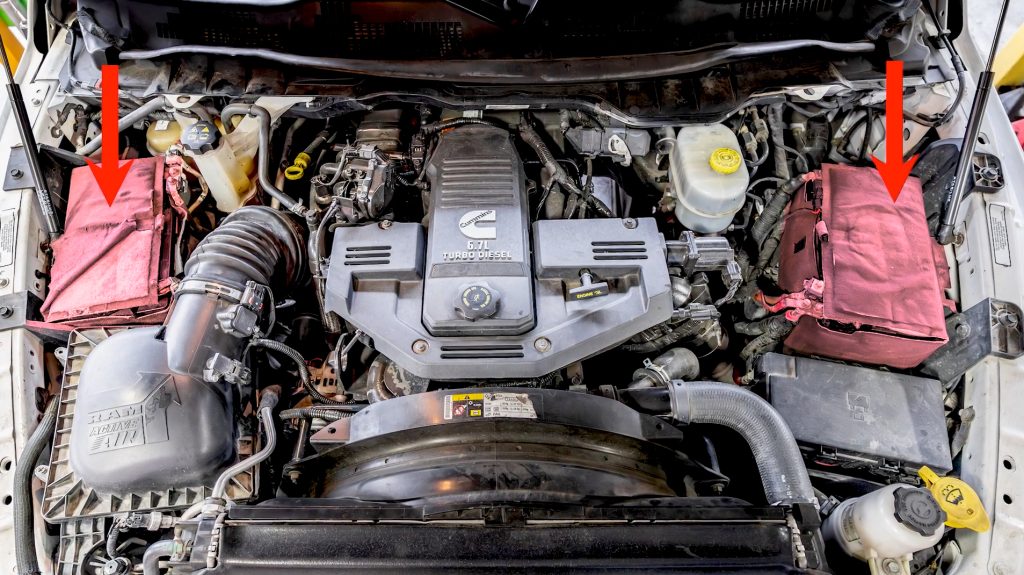
Before unplugging your MAP sensor, it is important to disconnect both batteries and let the ECM discharge for at least 15min.
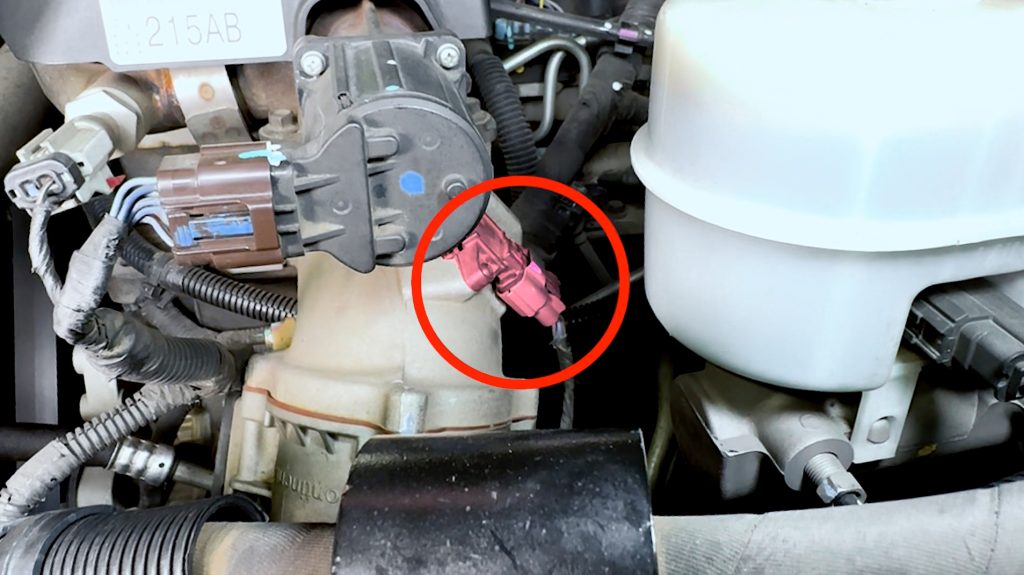
1. Locate MAP sensor
For pickup truck RAMs, it is found on back side of the Intake Horn.
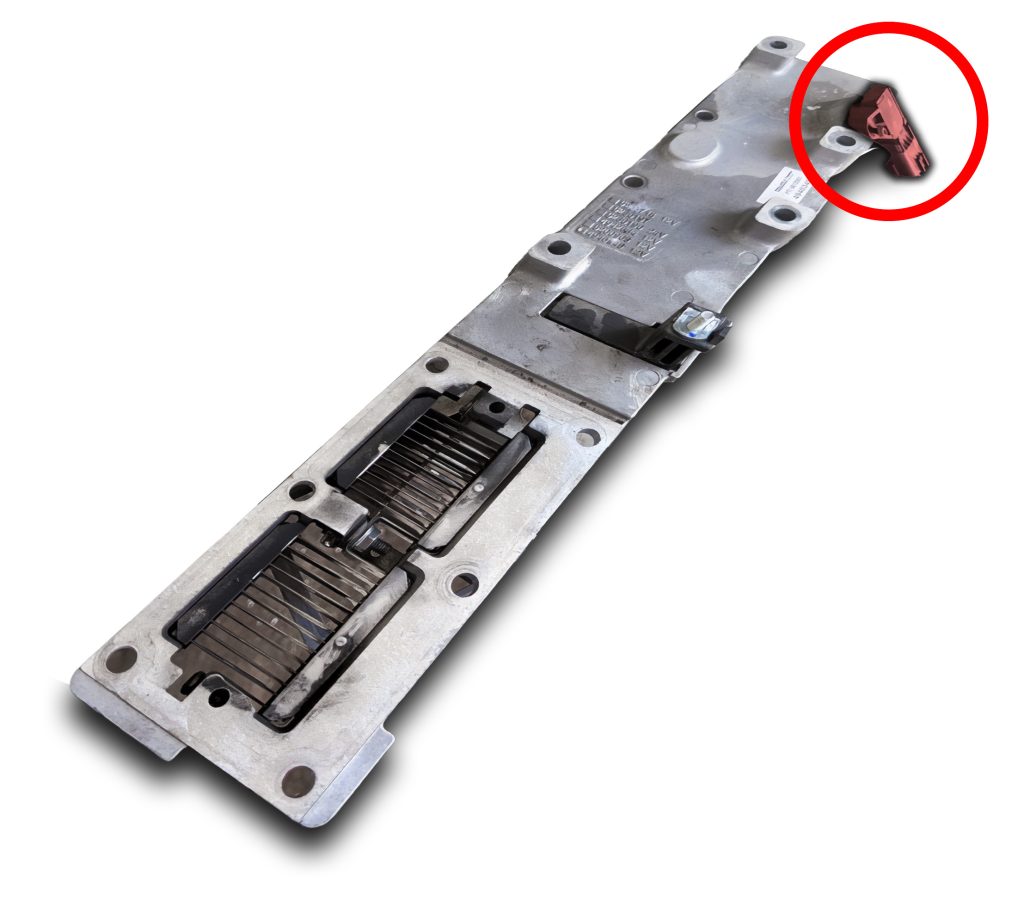
(Attn: Chassis Cab)
Chassis Cab and Commercial trucks, your MAP sensor may be located on the back side of the Intake Manifold Plate.
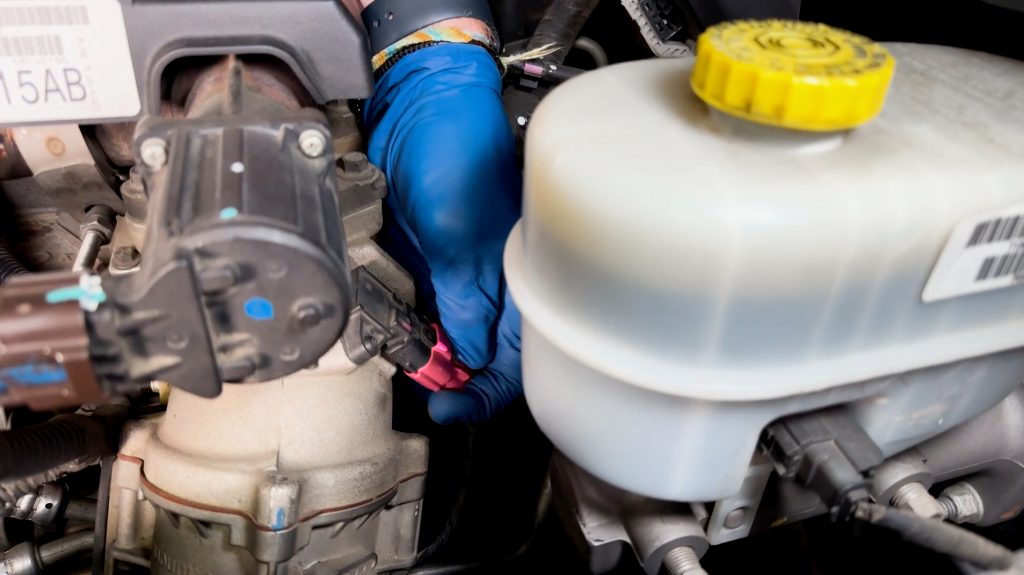
2. Unplug MAP sensor
Press the locking tab down, then unplug from the sensor.
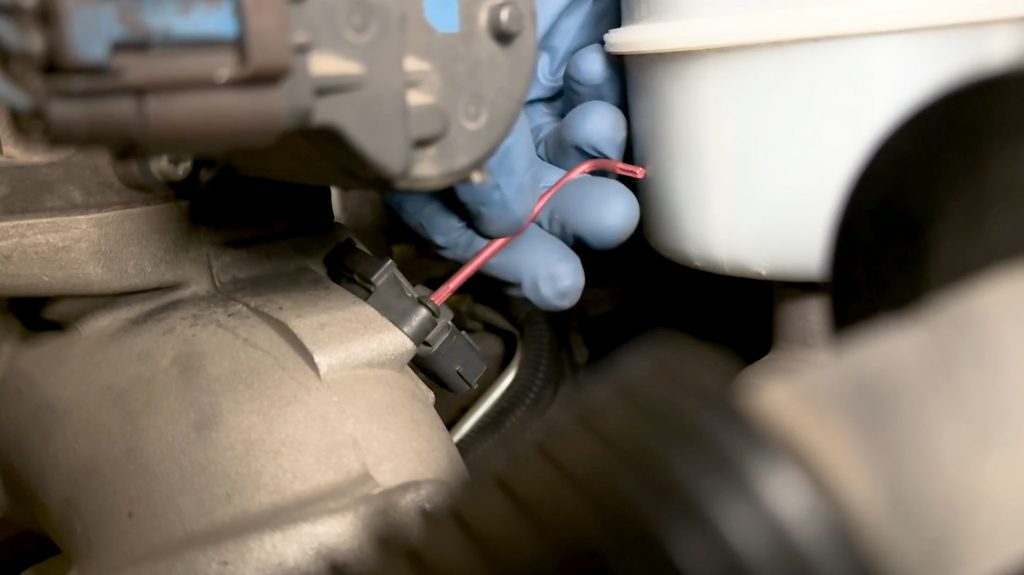
3. Remove factory T15 Torx
This will be re used in the Banks MAP Relocation Kit.
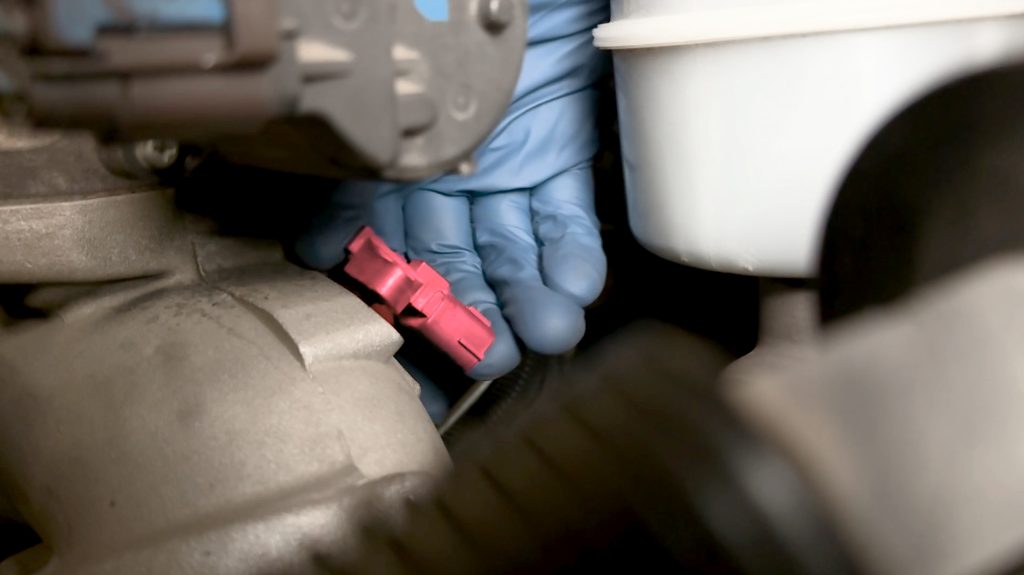
4. Remove MAP sensor
Twist and lift to free it from the intake horn or manifold.
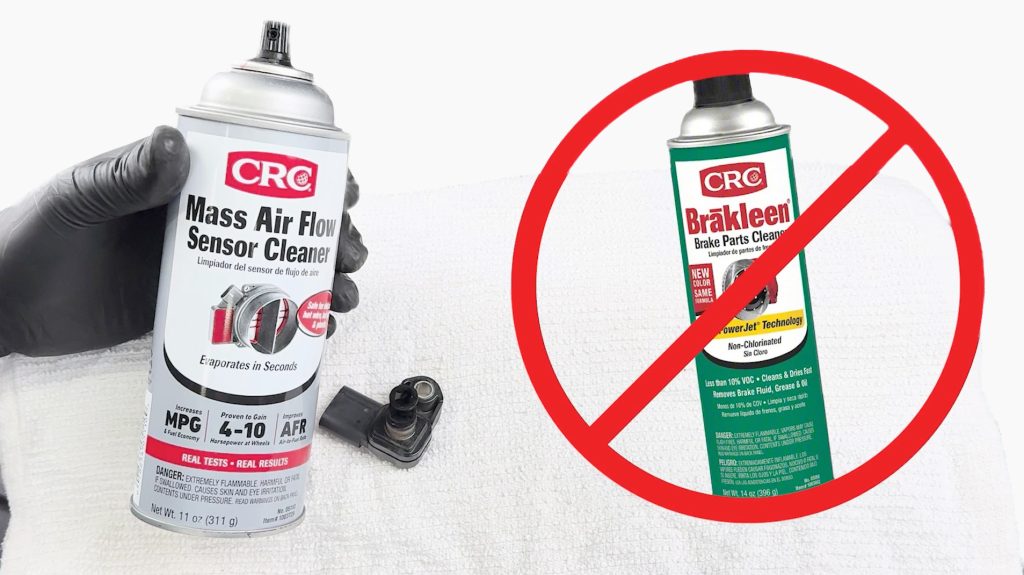
Important: Use Mass Air Flow Cleaner Only.
Solvents such as brake cleaner will damage the sensor.
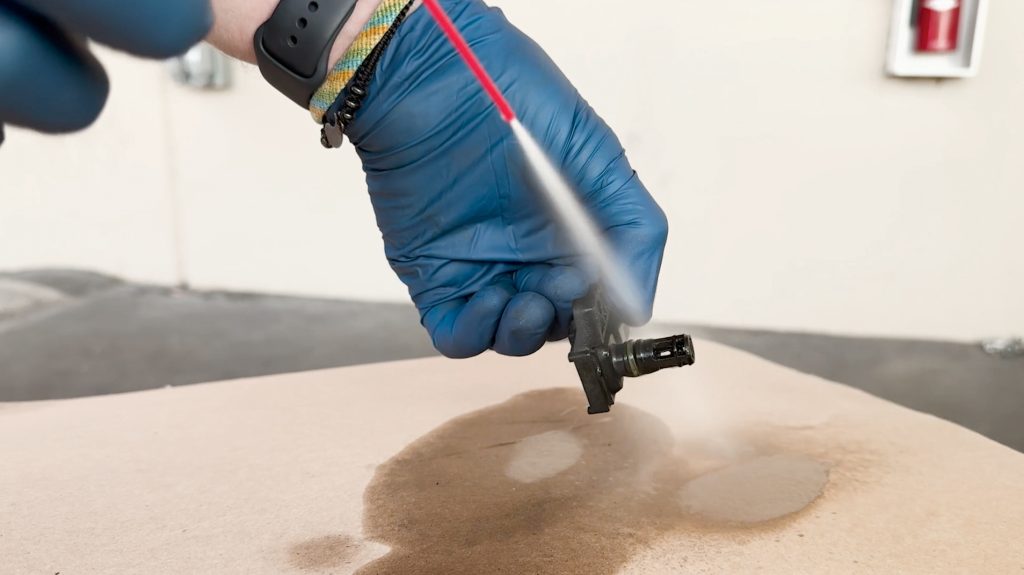
5. Clean MAP sensor
Try not to overly spray the sensing wire.
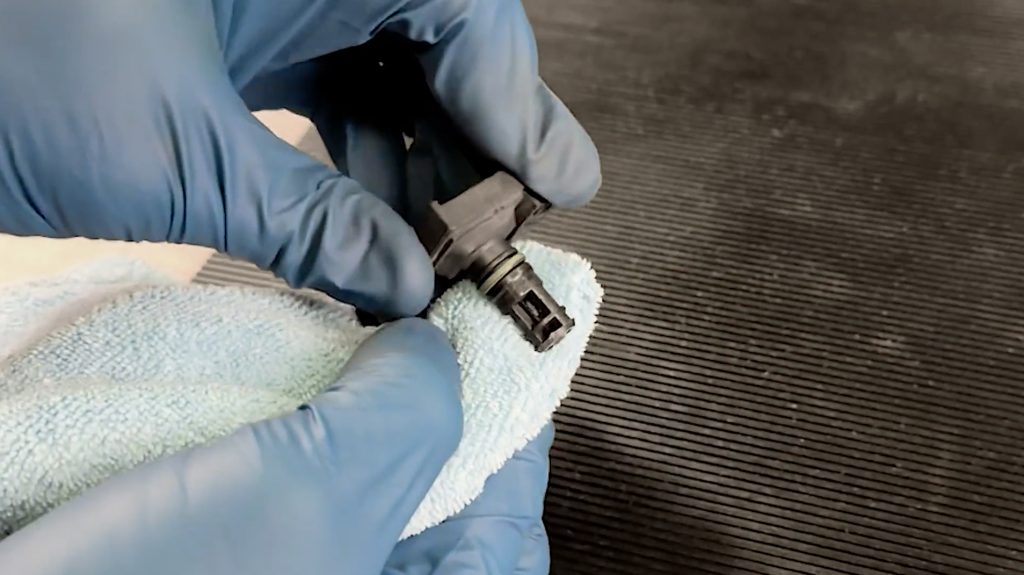
A rag or brush can be used for stuck-on debris.
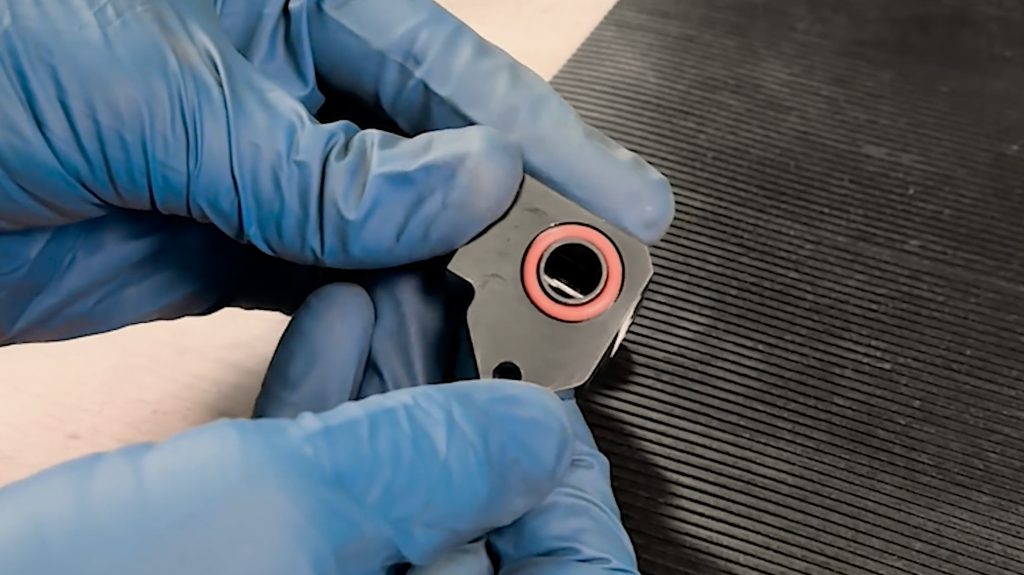
6. Install O-Ring
Don’t forget to install the newly supplied o-ring into the Banks MAP Spacer.
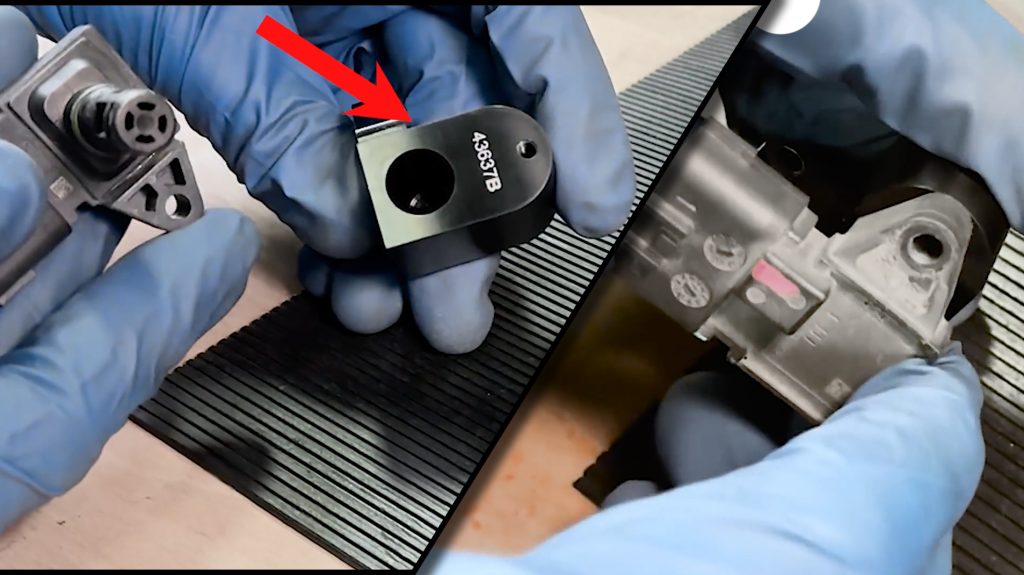
7. Install MAP sensor into Banks Spacer
Twist while inserting the MAP sensor to prevent O-ring damage.
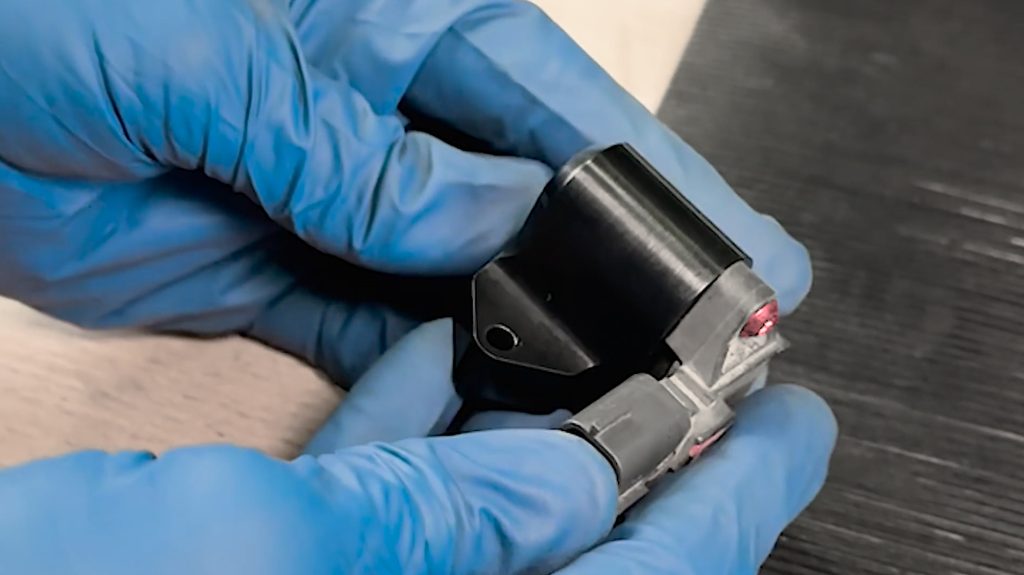
Thread the factory T15 Torx screw by hand, then tighten snugly.
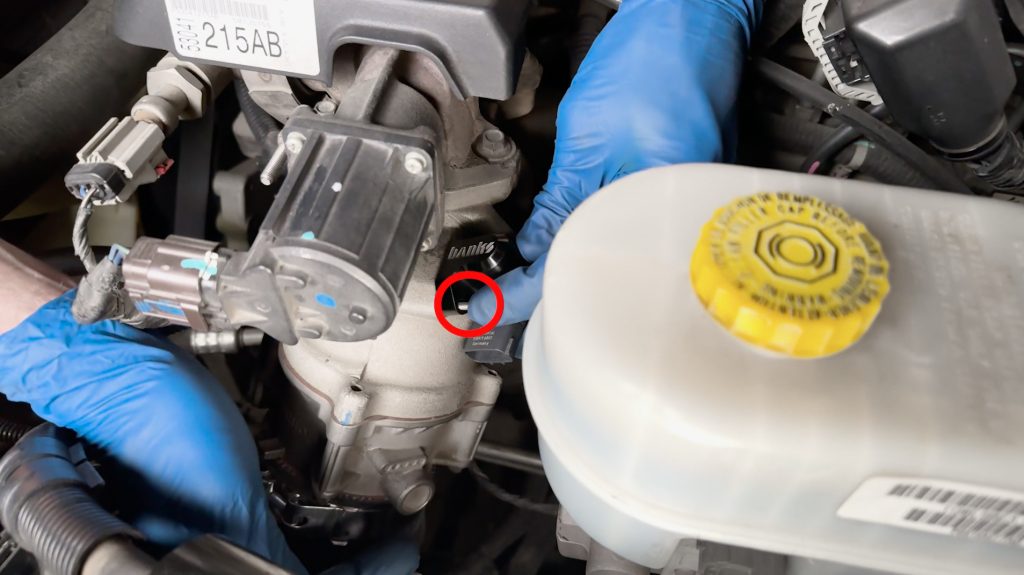
8. Reinstall the Banks MAP spacer and sensor into the intake horn or manifold plate.
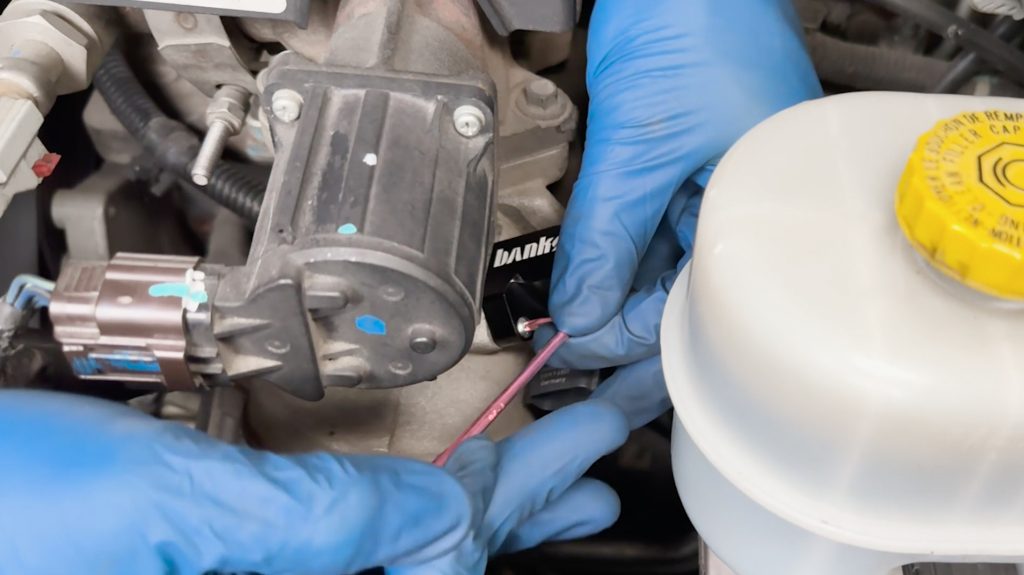
9. Tighten the Banks MAP spacer with the supplied T20 Torx Key.
Start by hand, then use the supplied T20 Torx key.
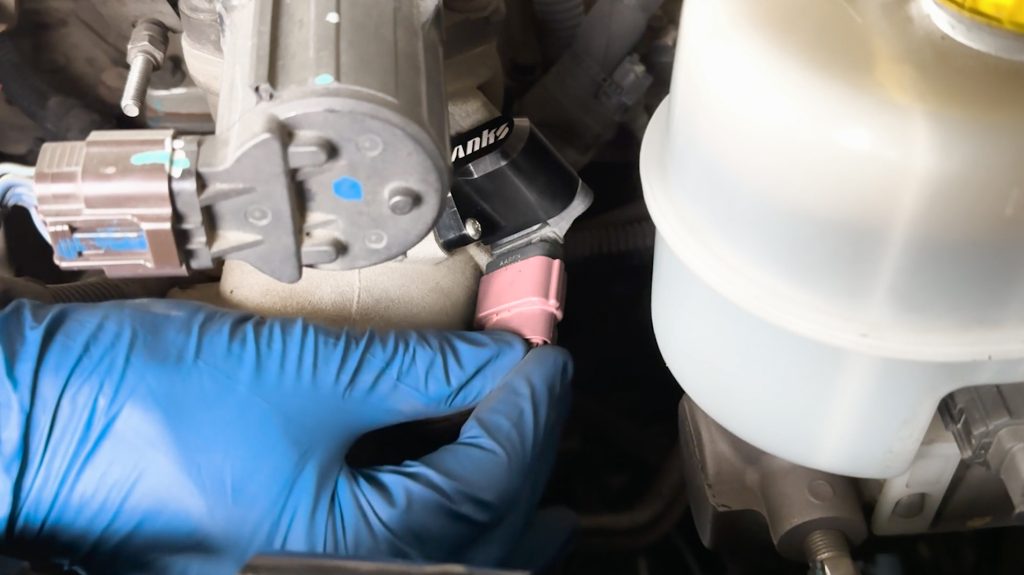
9. Reconnect MAP sensor
Be sure to slide the locking tab forward into place.
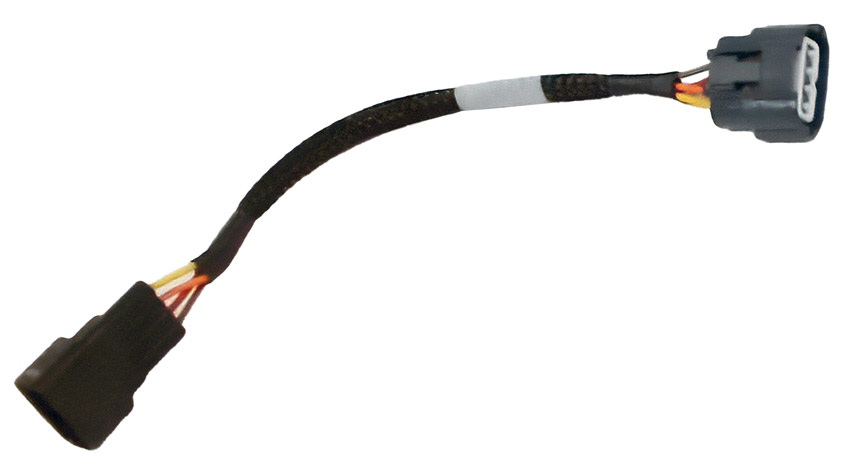
9a. 2019+ Models
A MAP sensor extension harness is included in your kit. Use this in-line between the MAP sensor and your OEM harness.
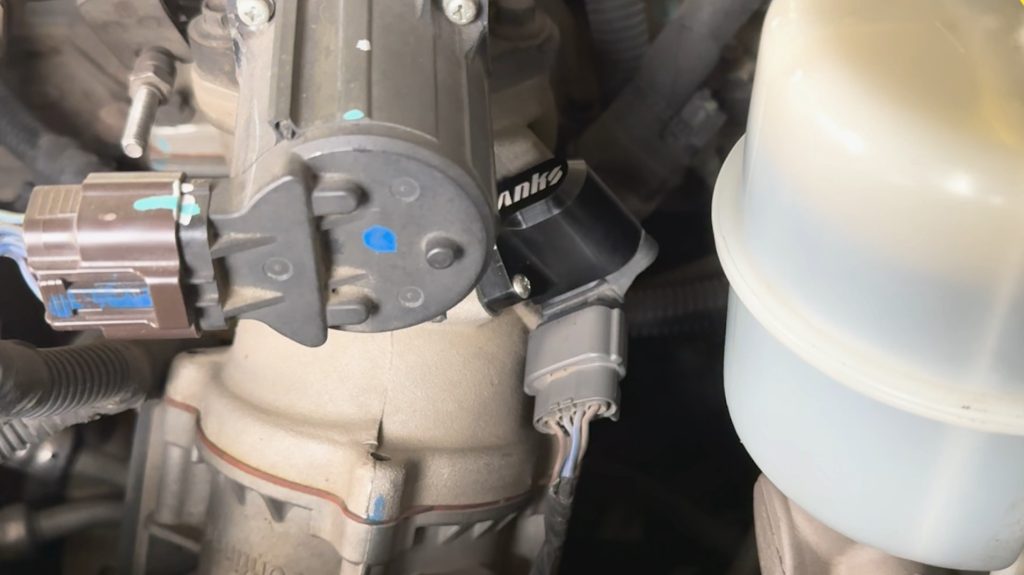
10. All Done
Double-check that all bolts are snug.
Reconnect both batteries, and enjoy your new Banks MAP Sensor Reolcation Kit.