



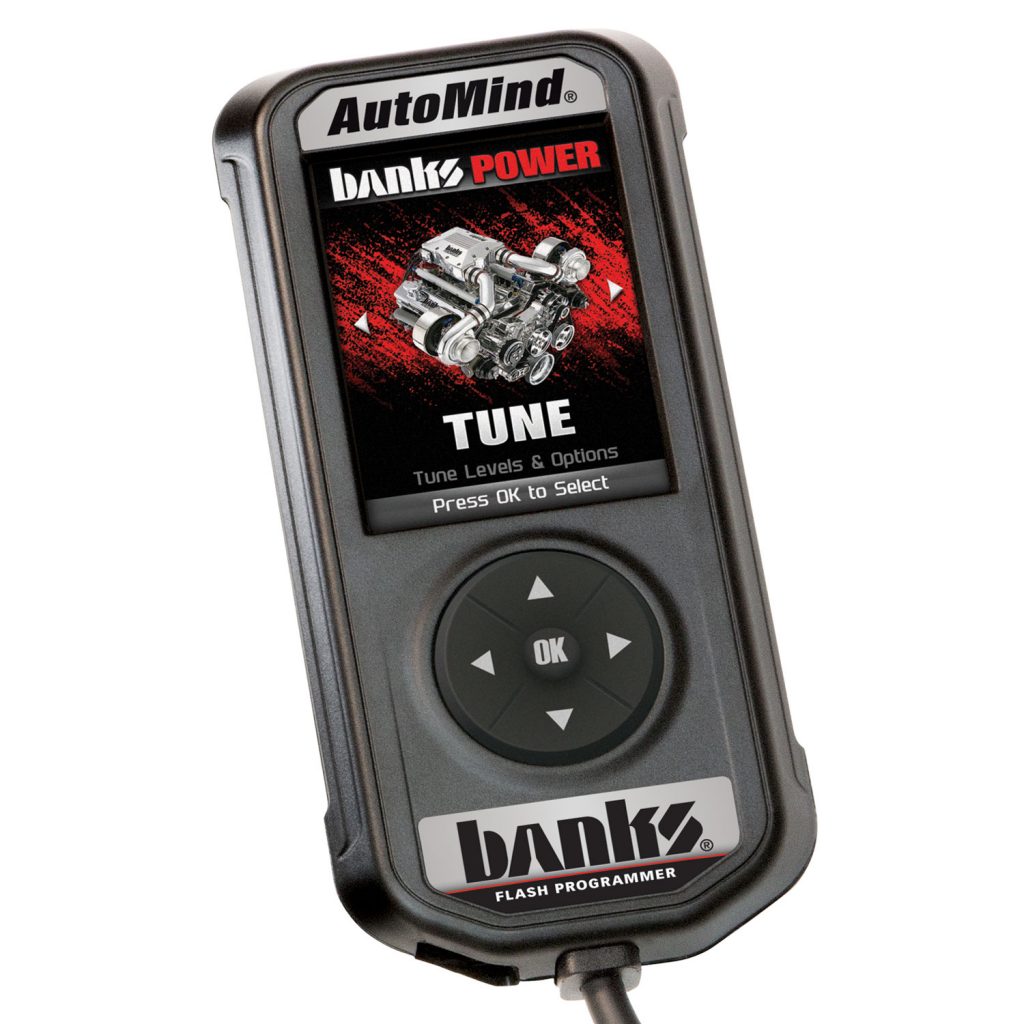
Quick Tune: Changes the power level of your vehicle using the most popular features and settings.
NOTICE: Not all features are available on every make, model, and engine.
1. Plug the device into the OBD II port. (The device will automatically power on once it has been connected.)
CAUTION: Do not remove or bump the OBD-II connector during any programming sequence. If you do, the vehicle may not start.
CAUTION: Do not program your vehicle while parked in unsafe locations including heavy traffic or places without cell phone service and the internet (if possible).

For GM gas applications, locate the fuse box under the hood and remove the radio and radio amp fuses.
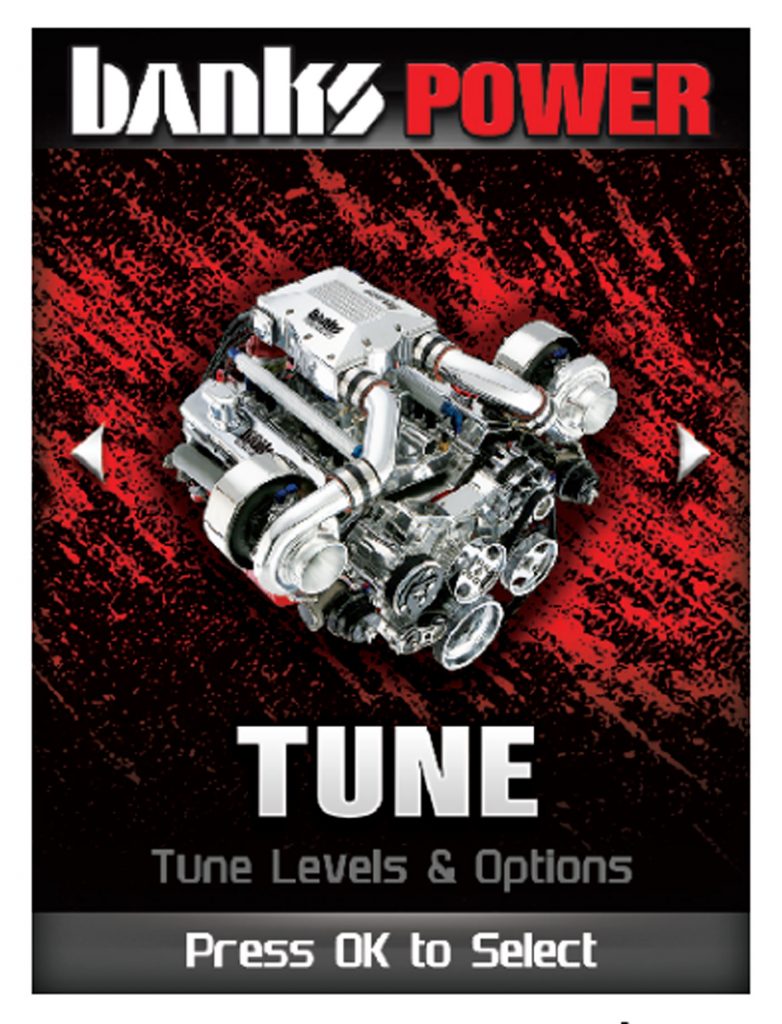
2. Enter the Tuning Menu by pressing OK.

3. Turn the ignition on, but DO NOT start the engine.

4. Follow the on-screen instructions.

5. Allow the device to save your stock files.
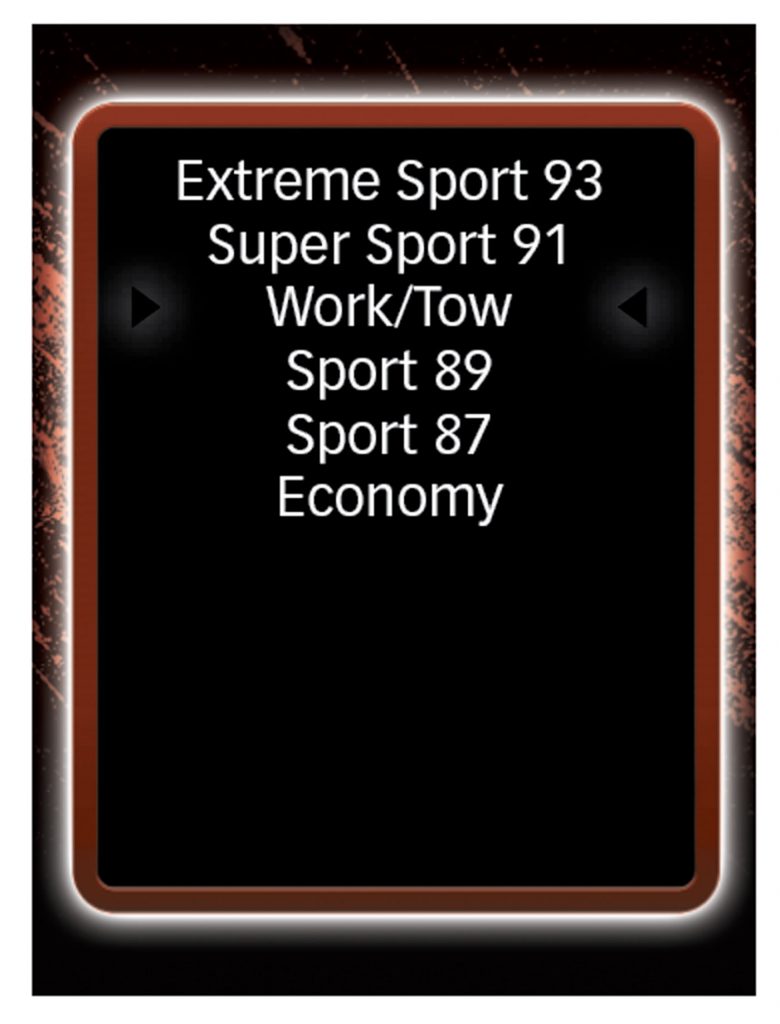
6. Select a tuning level.
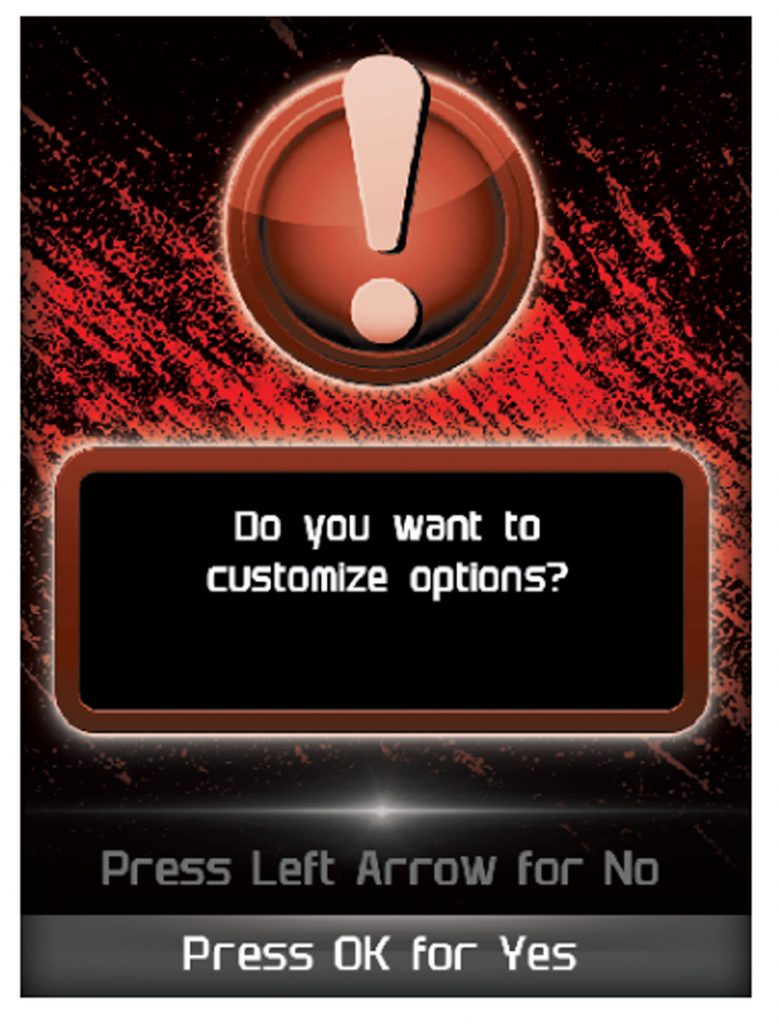
7. Push the left arrow to close out of custom options.
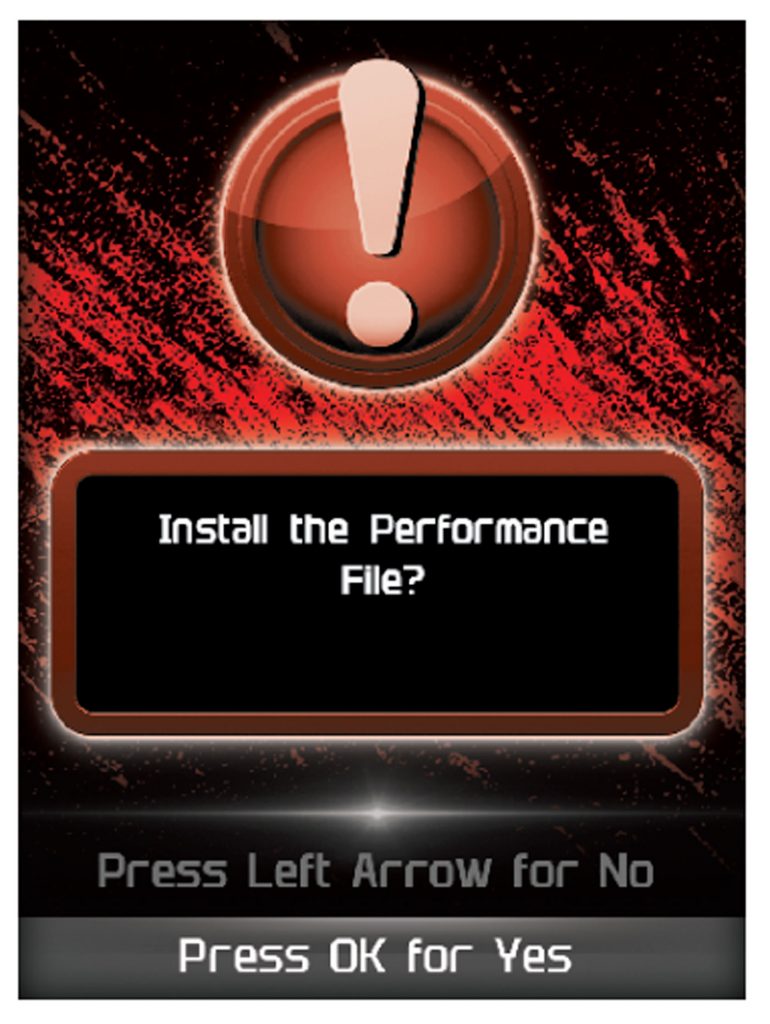
8. Install the “Tune” file by pressing OK.

9. Turn the ignition off. Press OK to continue.